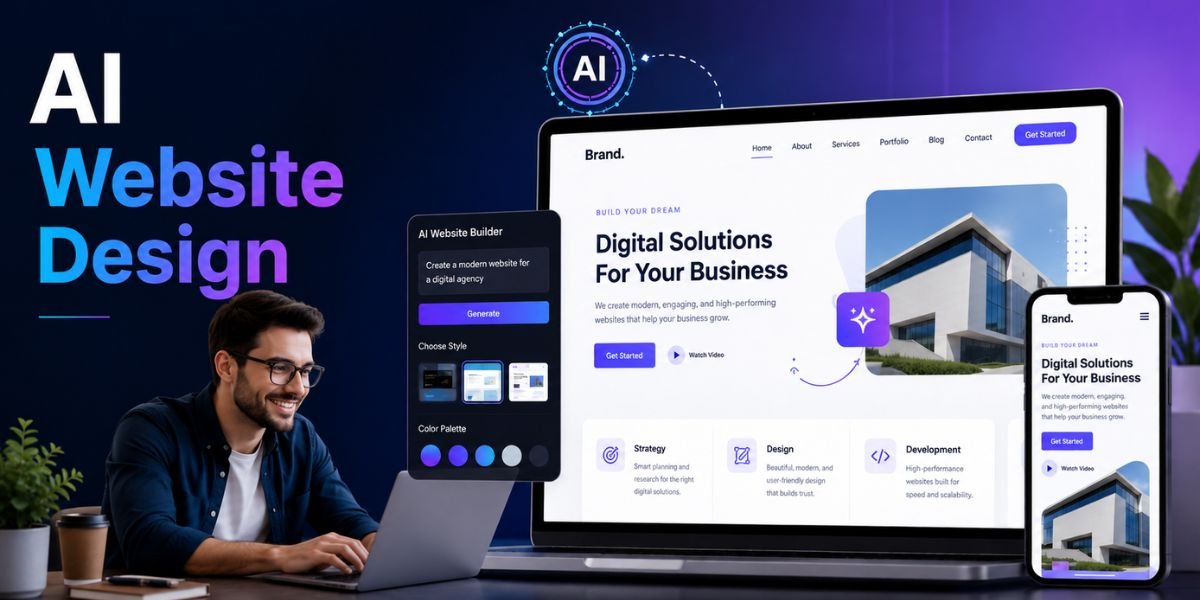
AI Website Design has changed how businesses, freelancers, bloggers, creators, and entrepreneurs build their online presence. Website creation once required separate skills for design, coding, copywriting, image editing, and user experience. Today, AI-powered website builders can help with many of these tasks from a simple description or prompt. This makes it easier for beginners to create a website while giving experienced users a faster way to build and test new ideas.
In 2026, AI Website Design is about much more than generating a basic homepage. Modern AI tools can help create website structures, page layouts, written content, images, colour combinations, calls to action, responsive designs, and SEO elements. However, a professional website still requires human input. AI can provide the foundation, but your business knowledge, brand identity, customer understanding, and final editing determine the quality of the finished website.
If you want to create a professional website with AI Website Design, the right approach is to combine automation with a clear strategy. You need to understand your audience, define your website goals, plan your pages, create useful content, choose the right visual style, optimise the site for mobile users, and test everything before publishing.
What Is AI Website Design?
AI Website Design is the use of artificial intelligence to assist with the planning, creation, design, content, and optimisation of websites. Instead of manually designing every section, users can provide instructions describing their business, target audience, preferred style, required pages, and website goals. An AI-powered platform then uses that information to generate an initial website.
How AI Website Design Works
The AI Website Design process usually begins with a prompt, questionnaire, or business description. The AI analyses the information and creates a suggested website structure based on the requirements.
For example, you could tell an AI website builder that you need a website for a digital marketing agency. You could request a homepage, services page, about page, case studies, testimonials, blog, FAQ, and contact page. You could also specify a modern visual style, professional typography, a simple navigation menu, and strong calls to action.
The AI may then generate the initial structure and design. Depending on the platform, you may also receive AI-generated text, images, colour suggestions, layouts, and other website elements.
What Can AI Create for a Website?
Modern AI Website Design tools can assist with many different website elements, including:
- Website layouts
- Homepage structures
- Landing pages
- Navigation menus
- Website copy
- Headlines and subheadings
- Calls to action
- Images and graphics
- Colour palettes
- Font combinations
- Product descriptions
- Blog content
- Frequently asked questions
- SEO titles and descriptions
- Responsive layouts
- Basic website code
The exact features depend on the AI website builder you choose. Some platforms focus heavily on visual design, while others combine AI generation with hosting, ecommerce, marketing, analytics, and traditional drag-and-drop editing.
Why AI Website Design Matters in 2026
AI Website Design has become important because businesses increasingly need to create websites quickly while maintaining a professional appearance. AI reduces the amount of repetitive work involved in website creation and gives users a starting point that can be customised.
Faster Website Development
One of the biggest benefits of AI Website Design is speed. Instead of starting with a completely blank page, you can generate an initial website based on your requirements.
This can be especially useful for small businesses and startups that need to establish an online presence quickly. AI can help create the first version of a website, allowing the owner or designer to spend more time improving the details rather than building everything from scratch.
Easier for Beginners
AI Website Design also reduces the technical barrier associated with website creation. Beginners do not necessarily need advanced knowledge of HTML, CSS, or JavaScript to create a functional website using an AI-powered platform.
A user can describe what they want in everyday language and then edit the generated result through a visual interface. This makes website creation more accessible to people who previously depended entirely on developers.
More Opportunities for Experimentation
Another advantage of AI Website Design is that it makes experimentation easier. You can generate different homepage structures, colour schemes, layouts, and visual concepts without manually rebuilding every version.
This can help businesses test different ideas before deciding on a final design. AI does not have to produce the final website immediately. It can be used as a creative assistant during the planning and design process.
How to Create a Professional Website With AI
Creating a professional website with AI Website Design requires more than entering a short prompt and clicking publish. The quality of the final website depends on the information you provide, the decisions you make, and the improvements you apply after the AI generates the first version.
Step 1: Define Your Website Goal
Before starting AI Website Design, decide exactly what your website should accomplish. A website without a clear purpose can become cluttered with unnecessary pages and information.
Your website might be designed to generate leads, sell products, promote services, collect bookings, build an email list, publish articles, showcase a portfolio, or provide information to customers.
For example, an online store needs product pages, categories, shopping cart functionality, checkout options, shipping information, and customer support. A consultant may need service pages, case studies, testimonials, an about page, and a consultation form.
Give your AI website builder this information before generating your website. A clear goal gives the AI a better understanding of the structure you need.
Step 2: Identify Your Target Audience
Successful AI Website Design starts with understanding your visitors. Think about who will use your website and what they expect to find.
Consider their problems, interests, purchasing behaviour, knowledge level, and reasons for visiting your website. A website targeting professional business owners may need a different design and tone from a website targeting teenagers, travellers, or creative professionals.
Include audience information in your AI prompt. Instead of saying, “Create a professional website,” provide more specific information such as, “Create a modern website for small business owners looking for affordable accounting services.”
The additional context can help produce a more relevant website structure and tone.
Step 3: Create a Detailed AI Prompt
A detailed prompt can make AI Website Design more effective. The AI needs enough information to understand what you want to create.
A useful prompt can include:
- Business name and industry
- Website purpose
- Target audience
- Required pages
- Important website sections
- Preferred design style
- Brand colours
- Content tone
- Main products or services
- Primary call to action
- Mobile requirements
For example:
Create a clean and professional website for a travel company that offers affordable family holidays. The target audience is families looking for convenient travel packages. Include Home, Destinations, Packages, About, Reviews, FAQ, Blog, and Contact pages. Use a modern design, clear navigation, large travel images, readable typography, and strong booking buttons.
This type of prompt provides more useful information than simply asking an AI tool to “make a travel website.”
Step 4: Create a Clear Website Structure
A professional AI Website Design project needs a logical structure. Visitors should be able to understand your website and find important information without unnecessary clicks.
Most business websites need a simple navigation menu with pages such as Home, About, Services, Products, Blog, FAQ, and Contact. You should only include pages that provide genuine value.
Your homepage should communicate what you offer, who you serve, and what visitors should do next. Important information should not be hidden beneath complicated navigation.
Step 5: Design a Strong Homepage
The homepage is usually the first major touchpoint between a visitor and your business. Good AI Website Design should make the homepage easy to understand within a few seconds.
A useful homepage can include a hero section, value proposition, key services or products, benefits, customer reviews, case studies, FAQs, and a final call to action.
The hero section should have a clear headline that explains the primary benefit of your product or service. The supporting text should provide additional context, while the call-to-action button should tell visitors what to do next.
Avoid filling the hero section with unnecessary text. Visitors should immediately understand the purpose of the website.
Design Your Website for a Professional Appearance
A professional AI Website Design needs more than a technically functional layout. Visual consistency affects how visitors perceive your brand and whether they trust the website.
Choose a Consistent Colour Palette
Colour is an important part of AI Website Design because it influences visual identity and readability. Choose colours that fit your brand rather than selecting random colours simply because they look attractive.
A simple website might use one primary colour, one accent colour, a neutral background, and a text colour. Consistency is more important than using many different colours.
Your colour choices should also provide sufficient contrast so that visitors can easily read headings, paragraphs, buttons, and links.
Use Readable Typography
Typography is another important element of AI Website Design. Choose fonts that are easy to read across desktop and mobile devices.
Use consistent styles for headings, subheadings, body text, buttons, and navigation. Avoid using too many different fonts because this can make a website look unorganised.
Large headings can help establish visual hierarchy, while comfortable paragraph spacing makes longer content easier to read.
Use High-Quality Images
Images can make AI Website Design more engaging and visually appealing. AI image generators can create illustrations, backgrounds, hero images, product concepts, and other visual assets.
However, generated images should support your content rather than simply fill empty spaces. If your business sells physical products, accurate product photography may be more useful than generic AI images.
Always optimise images before uploading them. Large image files can increase page loading times and affect the user experience.
Make AI Website Design Mobile-Friendly
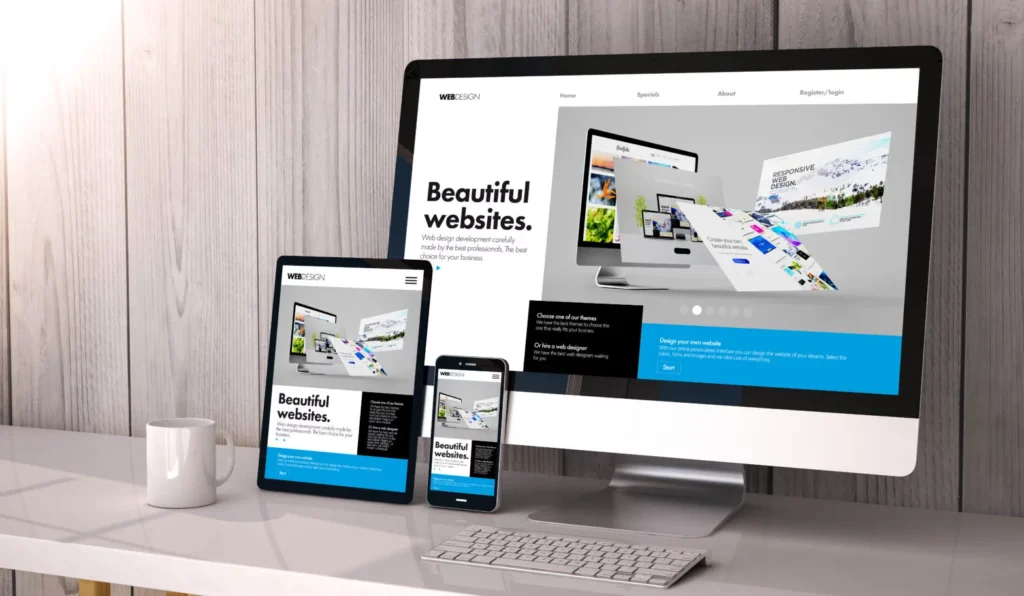
Mobile responsiveness is essential for modern AI Website Design because visitors can access websites from smartphones, tablets, laptops, and desktop computers.
Test Every Page on Mobile
An AI website builder may automatically generate a responsive layout, but you should still test it yourself. Check whether headings fit correctly, buttons are easy to tap, images scale properly, menus work, and forms remain usable.
A mobile visitor should not need to zoom in or scroll horizontally to read your content.
Keep Mobile Navigation Simple
Good AI Website Design should make navigation easy on smaller screens. A complicated desktop menu can become difficult to use on a smartphone.
Use a clear mobile menu and keep the most important pages easy to access. Important calls to action should also remain visible without overwhelming the screen.
Create SEO-Friendly AI Website Design
SEO should be considered from the beginning of the AI Website Design process. A visually attractive website will not perform well in search if its structure, content, and technical elements are poorly optimised.
Use Relevant Keywords Naturally
Start by identifying keywords that your audience actually searches for. Use relevant keywords naturally in page titles, headings, introductory content, image alt text, URLs, and supporting sections where appropriate.
For example, if your main topic is AI Website Design, related phrases could include AI website builder, AI web design, AI website creator, AI website development, AI design tools, and professional website design.
Do not repeat keywords unnecessarily. Search engines and users both benefit from natural, useful writing.
Create Helpful Website Content
AI can help generate content, but every page should provide real value. Avoid publishing large amounts of generic text simply because AI can create it quickly.
For AI Website Design, use AI to create outlines, first drafts, FAQs, content ideas, and variations. Then review and improve the content using your own expertise and business information.
Google’s guidance emphasises helpful, reliable, people-first content rather than content created primarily to manipulate search rankings.
Optimise Page Titles and Descriptions
Every important page should have a clear title and useful meta description. The title should accurately describe the page, while the description should encourage relevant searchers to visit.
AI can help generate initial SEO metadata, but review it before publishing. Make sure the title is specific, relevant, and appropriate for the actual page content.
Improve Website Speed and Performance
Website performance is another important part of AI Website Design. Visitors expect websites to load quickly, especially when browsing from mobile devices.
Optimise Images and Media
Large images and videos can significantly increase page size. Compress images and use appropriate formats before uploading them.
Do not add animations, videos, sliders, or other visual elements simply because an AI tool recommends them. Every element should have a purpose.
Remove Unnecessary Features
A professional AI Website Design does not need every available feature. Too many plugins, scripts, animations, pop-ups, and third-party widgets can make a website slower and harder to use.
Keep the website focused on the visitor’s needs. A simple, fast website can provide a better experience than a visually complicated website that takes too long to load.
Use AI-Generated Content Carefully
AI can save considerable time when creating website content, but AI Website Design should not mean publishing everything AI produces without review.
Add Original Business Information
AI does not know your business as well as you do. Add real information about your products, services, customers, experience, processes, pricing, policies, and results.
Specific information makes your website more useful and can help differentiate it from other AI-generated websites.
Check Facts and Claims
Always review AI-generated information for accuracy. This is particularly important for health, finance, legal, technical, and other areas where incorrect information could mislead visitors.
Remove unsupported claims and replace generic statements with information you can verify.
Give Your Brand a Human Voice
One common problem with AI Website Design is generic language. AI-generated copy can sound polished but may not sound like your actual brand.
Edit headlines, service descriptions, product pages, and calls to action so they reflect your business personality. Real examples, customer questions, case studies, and original insights can make the website feel more authentic.
Common AI Website Design Mistakes
Understanding common mistakes can help you get better results from AI Website Design. AI can automate many tasks, but automation does not guarantee good design.
Publishing the First AI-Generated Version
The first version should be treated as a starting point. Review the layout, copy, images, navigation, spacing, and calls to action before publishing.
Using Generic Content
Generic content can make your website look similar to thousands of other AI-generated websites. Add original information and examples to make your pages more useful.
Adding Too Many Design Elements
Too many animations, colours, images, buttons, and sections can create a cluttered user experience. Professional AI Website Design should prioritise clarity and usability.
Ignoring Accessibility
Check text contrast, font sizes, image alt text, heading structure, form labels, and keyboard usability. Accessibility should be part of the website design process rather than an afterthought.
Forgetting Conversion Goals
A website should guide visitors toward useful actions. Depending on the business, this might be making a purchase, requesting a quote, booking an appointment, signing up for a newsletter, or contacting the business.
AI Website Design vs Traditional Website Design
AI Website Design and traditional website design each have advantages. AI can accelerate the early stages of website creation and reduce repetitive work, while traditional design provides extensive control over custom layouts, functionality, branding, and technical implementation.
Benefits of AI Website Design
The main advantages include faster development, easier content generation, accessible design tools, rapid experimentation, and lower barriers for beginners.
AI is particularly useful when you need a website quickly or want to create an initial concept before working with a professional designer or developer.
When Traditional Design May Be Better
Some projects require highly customised functionality, complex integrations, unique interactions, or extensive technical development. In these cases, professional designers and developers may still be essential.
The strongest approach for many businesses is to combine AI with human expertise. AI can handle repetitive tasks while people make strategic and creative decisions.
How to Make AI Website Design Look Unique
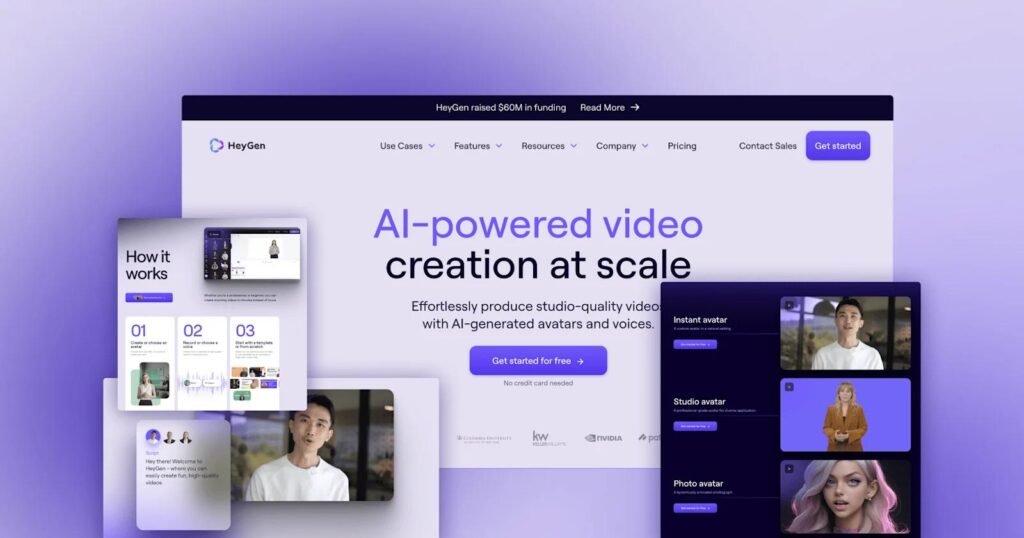
One of the biggest challenges with AI Website Design is creating a website that does not look like a generic AI template.
Add Original Images and Visuals
Use original photography, custom illustrations, product images, diagrams, and other visuals that represent your business.
AI-generated images can also be customised to match your brand, but they should be used thoughtfully.
Use a Distinct Brand Identity
Create consistent colours, typography, imagery, button styles, icons, and writing patterns. A clear brand identity can make an AI-generated website feel more intentional and professional.
Add Real Customer Experiences
Testimonials, case studies, reviews, project examples, and customer stories can add authenticity. Use genuine information rather than allowing AI to create fictional experiences.
Final Checklist Before Publishing
Before publishing your AI Website Design project, review the website from the perspective of a first-time visitor. A final quality check can identify problems that are easy to miss during the design process.
Design and User Experience Checklist
Check that:
- The website works on mobile and desktop.
- Navigation is simple and logical.
- Buttons are easy to identify.
- Images are high quality and properly sized.
- Text is readable.
- Colours are consistent.
- Forms work correctly.
- Important information is easy to find.
- Calls to action are clear.
SEO and Technical Checklist
For AI Website Design SEO, check your page titles, meta descriptions, headings, URLs, internal links, image alt text, sitemap, indexing settings, page speed, and mobile usability.
Also check that important pages can be reached through internal links and that broken links or unnecessary redirects have been removed.
Content and Trust Checklist
Read every page before publishing. Check facts, spelling, grammar, pricing, contact information, business details, product information, testimonials, and calls to action.
Make sure privacy information, terms, contact details, and other relevant business policies are easy to find.
Must Read:
- Best AI Website Builder for Small Business
- Can AI Build a Website from a Prompt?
- Best No-Code AI Website Builder
Final Thoughts:
AI Website Design has made professional website creation faster and more accessible in 2026. AI-powered tools can help generate website structures, layouts, copy, images, branding ideas, and other design elements, allowing businesses and individuals to move from an idea to a working website much faster.
However, the best AI Website Design does not come from automation alone. A professional website needs a clear purpose, strong structure, useful content, consistent branding, mobile responsiveness, fast performance, accessibility, and a good user experience.
Use AI to handle repetitive tasks and generate ideas, but keep human judgement at the centre of the process. Define your goals, understand your audience, create detailed prompts, review every generated element, add original information, and test the website before launch.
When used correctly, AI Website Design can help you create a website that is not only faster to build but also useful, attractive, search-friendly, and designed around the needs of real visitors.