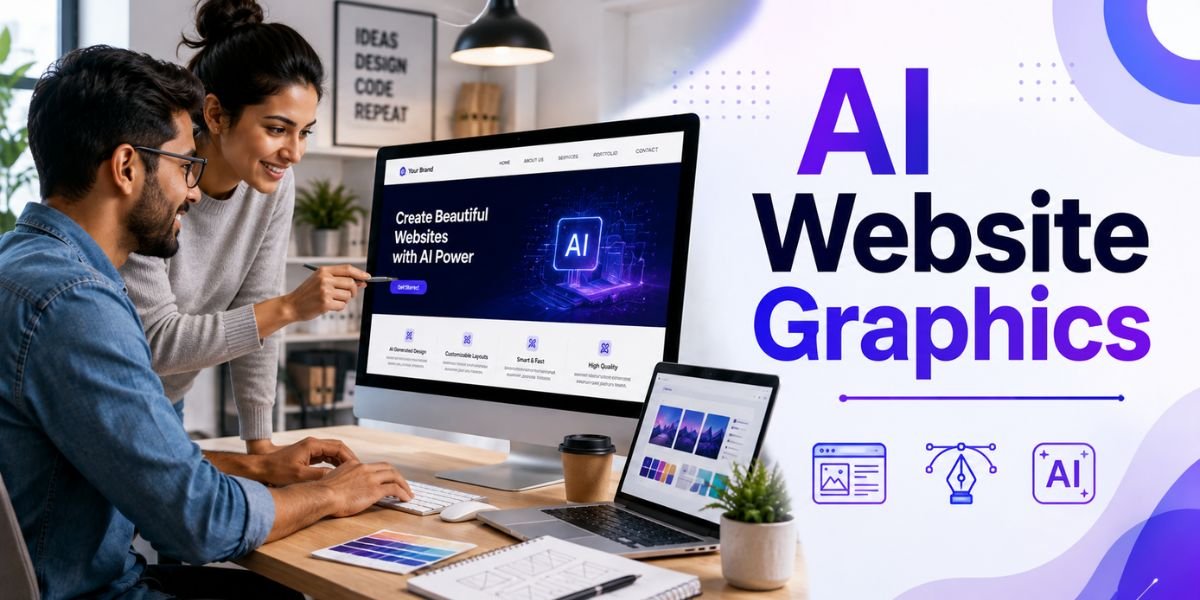
AI Website Graphics are changing how businesses, bloggers, designers, marketers, and website owners create visual content. In the past, creating professional website graphics often required graphic design software, stock image subscriptions, photography, illustration skills, or help from a professional designer. Today, artificial intelligence can help create many types of website visuals from simple text instructions.
From homepage banners and hero images to blog graphics, product visuals, illustrations, social media images, icons, and promotional banners, AI Website Graphics can make the design process faster and more flexible. AI tools can generate creative concepts, remove backgrounds, modify existing images, create different styles, and produce visual variations for different pages.
However, creating stunning visuals with AI is not simply about entering a prompt and downloading the first image. A professional website needs graphics that match its brand, communicate a clear message, support the content, load quickly, and work well across desktop and mobile devices.
The best results come from combining AI technology with good design principles. You need to understand your audience, define the purpose of each graphic, write effective prompts, choose suitable dimensions, maintain brand consistency, and optimise every image before publishing it.
This guide explains how to create professional AI Website Graphics, where to use them, how to write better prompts, which design principles matter, and how to optimise AI-generated graphics for SEO and website performance.
What Are AI Website Graphics?
AI Website Graphics are visual elements created or enhanced using artificial intelligence for use on websites and digital platforms. AI can generate graphics from text descriptions, transform existing images, create variations, remove unwanted elements, and help designers develop new visual concepts.
Types of AI Website Graphics
There are many different graphics you can create with AI depending on your website’s purpose.
Common examples include:
- Homepage hero graphics
- Blog feature images
- Website banners
- Product graphics
- Service illustrations
- Landing page visuals
- Background images
- Infographics
- Icons
- Social media graphics
- Promotional banners
- Comparison graphics
- Educational illustrations
- Ecommerce visuals
- Brand graphics
- Website mockups
For example, a technology website might use futuristic AI illustrations, while a travel website may use realistic destination-inspired visuals. An ecommerce store could use AI to create lifestyle scenes around products, while a blog may use customised feature images for each article.
How AI Creates Website Graphics
Most AI design tools use natural-language prompts. You describe what you want, and the system creates a visual based on your instructions.
A simple prompt might say:
Create a website graphic about artificial intelligence.
A more useful prompt could say:
Create a modern website hero graphic showing a professional woman designing a website with AI on a laptop. Use a clean technology workspace, blue and purple accents, soft lighting, realistic photography, wide composition, and empty space on the left for website text.
The second prompt gives the AI much more information about the subject, composition, style, colour, and purpose.
Why Use AI Website Graphics?
The growing use of AI Website Graphics is largely driven by speed, flexibility, and accessibility. AI can help website owners create visuals without starting every project from a blank canvas.
Create Custom Visuals
One of the biggest benefits of AI Website Graphics is customisation. Instead of searching through thousands of stock photos hoping to find something suitable, you can describe the exact visual you need.
You can specify:
- Subject
- Colour
- Style
- Lighting
- Composition
- Background
- Aspect ratio
- Mood
- Position of objects
- Empty space for text
This makes it easier to create graphics that fit a particular page.
Save Time
Traditional graphic design can involve several steps, including finding images, editing backgrounds, changing colours, resizing graphics, adding text, and producing different versions.
AI can speed up many of these tasks. You can create several concepts within a short period and select the strongest version.
Reduce Design Costs
AI does not eliminate the value of professional designers, especially for complex branding or high-stakes projects. However, it can reduce the amount of time required for repetitive visual tasks.
Small businesses and individual website owners can use AI to create initial concepts, blog graphics, promotional visuals, and simple marketing materials without needing a designer for every asset.
Experiment With Different Styles
AI makes experimentation easier. You can create the same concept in several visual styles.
For example, a single website graphic could be generated as:
- Realistic photography
- 3D illustration
- Minimalist illustration
- Editorial design
- Isometric artwork
- Futuristic digital art
- Flat vector-style artwork
This flexibility helps businesses identify a visual style that works best for their audience.
How to Create Stunning AI Website Graphics
Creating professional AI Website Graphics requires more than using a good AI generator. You need a clear process that combines strategy, prompting, design, and optimisation.
Step 1: Define the Purpose
Before creating a graphic, ask what the image needs to accomplish.
Is it supposed to:
- Explain a concept?
- Attract attention?
- Support a blog article?
- Promote a product?
- Increase conversions?
- Build brand recognition?
- Make a landing page more engaging?
A graphic should have a purpose. Decorative visuals can improve the appearance of a page, but meaningful visuals can also help visitors understand the information.
Step 2: Understand Your Audience
Think about the people who will see the graphic.
A professional financial website may need trustworthy and polished visuals. A children’s education website might use colourful illustrations. A technology startup could use modern digital imagery.
Your AI Website Graphics should reflect the expectations of your audience.
Step 3: Choose the Right Visual Style
Your website should have a consistent visual identity.
Popular styles include:
- Minimalist
- Professional
- Corporate
- Modern
- Luxury
- Editorial
- Photorealistic
- 3D
- Futuristic
- Hand-drawn
- Flat illustration
- Isometric
Avoid changing styles randomly from page to page. Consistency helps make a website look more professional.
Step 4: Choose the Correct Dimensions
The dimensions of your AI Website Graphics should match the location where they will be used.
For example:
- Blog feature image: 1200 × 628 pixels
- Wide website banner: 1920 × 1080 pixels
- Square graphic: 1200 × 1200 pixels
- Social media graphic: 1080 × 1080 pixels
- Vertical graphic: 1080 × 1350 pixels
These are common working sizes, but the correct dimensions depend on your website’s design and content management system.
Avoid generating unnecessarily large images. Large files can increase page loading time.
How to Write Better Prompts for AI Website Graphics
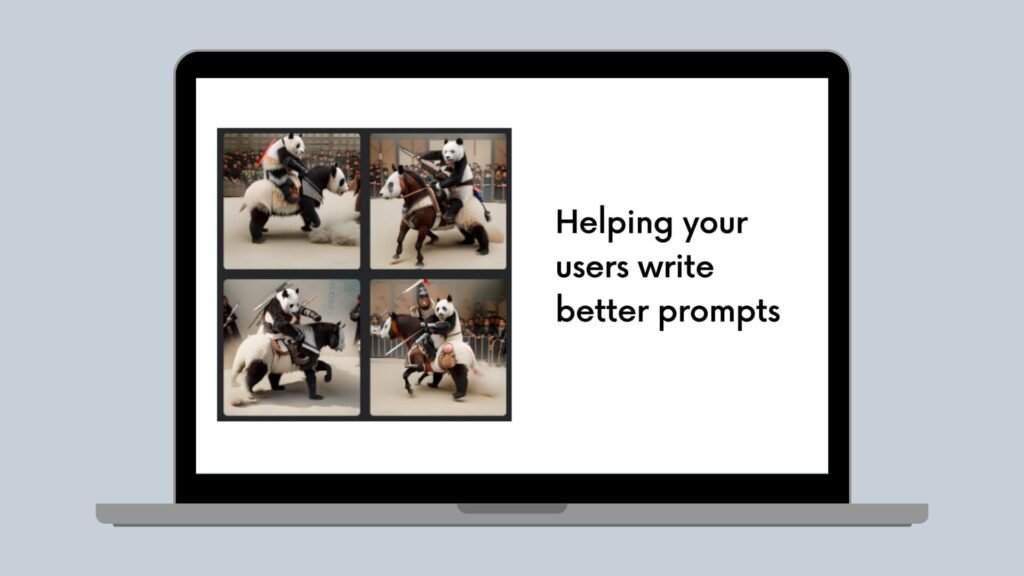
The quality of your prompt has a major impact on the quality of your AI Website Graphics.
Start With the Main Subject
Tell the AI exactly what should appear in the image.
Instead of:
Technology website.
Try:
A professional web designer creating an AI-powered website on a desktop computer.
This gives the AI a specific subject.
Describe the Composition
Composition is especially important for website graphics because text and buttons may need to appear next to the image.
For example:
Place the main subject on the right side and leave clean negative space on the left for a website headline.
This instruction can be useful when creating homepage hero graphics.
Describe the Environment
Add context around the subject.
For example:
Show the designer in a modern home office with a laptop, monitor, notebook, desk plant, and subtle digital interface elements.
This can make the visual feel more realistic and connected to the topic.
Specify Lighting
Lighting can change the mood of an image significantly.
You can request:
- Natural daylight
- Soft studio lighting
- Cinematic lighting
- Warm lighting
- Cool lighting
- Neon lighting
- Bright commercial lighting
For professional website graphics, soft and controlled lighting often produces a cleaner appearance.
Mention Brand Colours
If your website uses particular colours, include them in the prompt.
For example:
Use navy blue, white, purple, and subtle cyan accents.
This can help the graphic fit your website’s existing design.
10 Practical AI Prompts for Website Graphics
The following examples can be adapted for different website projects.
Prompt 1: Homepage Hero Graphic
Create a professional homepage hero graphic for an AI website builder. Show a modern laptop displaying a beautiful website interface, with subtle AI elements floating around the screen. Use blue and purple brand colours, realistic lighting, a clean background, and a wide composition with empty space on the left for headline text.
Prompt 2: Blog Feature Image
Create a professional blog feature image about AI website design. Show a designer working on a modern website using a laptop and desktop monitor. Use a clean technology workspace, realistic photography style, blue and purple accents, and a wide 1200 × 628 composition.
Prompt 3: Ecommerce Graphic
Create a premium ecommerce website graphic showing a modern product displayed on a clean studio surface. Use soft lighting, realistic shadows, minimal background elements, and a professional commercial photography style.
Prompt 4: Technology Illustration
Create a modern digital illustration explaining artificial intelligence and website design. Show connected interface elements, website layouts, AI symbols, and flowing data lines. Use a clean futuristic style with a professional blue and purple colour palette.
Prompt 5: Service Page Visual
Create a professional website graphic for a digital marketing service. Show a marketing professional analysing website analytics on a desktop computer. Use a modern office environment, realistic photography, clean composition, and subtle data visualisations.
Prompt 6: Mobile Website Graphic
Create a modern website design graphic showing a responsive website displayed across a desktop monitor, laptop, tablet, and smartphone. Use a clean professional environment, consistent UI design, soft lighting, and a technology-focused visual style.
Prompt 7: AI Website Builder Graphic
Create a futuristic website design scene showing a person using an AI website builder. Include a laptop with a modern website interface, floating AI-generated design suggestions, colour palettes, typography controls, and layout cards. Use a clean blue and purple visual style.
Prompt 8: Minimalist Graphic
Create a minimalist website graphic about web design. Use a simple white background, clean geometric shapes, subtle purple and blue accents, elegant typography space, and a professional modern composition.
Prompt 9: Business Website Graphic
Create a professional business website hero image showing two business professionals reviewing a website design on a large monitor. Use a modern office environment, natural lighting, realistic photography, and clean negative space for website text.
Prompt 10: Future Web Design Graphic
Create a futuristic website design concept showing an intelligent digital interface, AI assistant, responsive website layouts, data visualisations, and connected devices. Use a sophisticated dark background with blue, purple, and cyan accents.
Best Places to Use AI Website Graphics
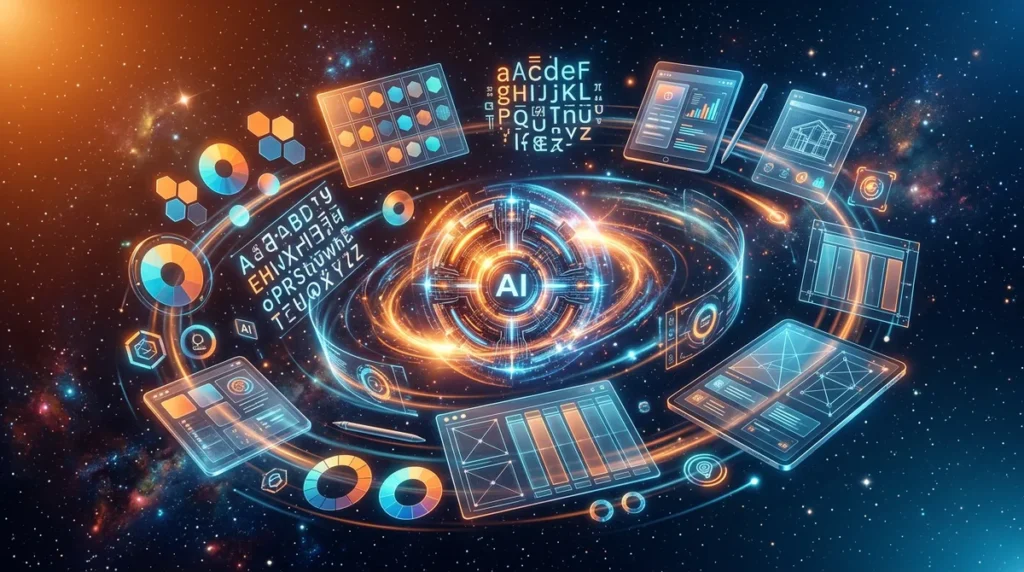
There are many places where AI Website Graphics can add value to a website.
Homepage
The homepage is usually the first major opportunity to use custom visuals. A strong hero image can communicate the purpose of your business quickly.
The graphic should support your headline rather than compete with it.
Blog Posts
Blog feature images can make articles more visually appealing and easier to recognise when shared on social media.
A consistent feature-image design can also strengthen your website’s visual identity.
Landing Pages
Landing pages often benefit from focused graphics that explain a product, service, process, or benefit.
For example, a software company might use an AI-generated illustration showing how its platform automates a specific task.
Product Pages
AI can help create lifestyle scenes and supporting visuals around products.
However, be careful with physical products. If the image does not accurately represent the actual product, it should not be used in a way that could mislead customers.
Service Pages
Custom graphics can help explain complex services. An abstract service can be difficult to represent with stock photography, so AI-generated illustrations can provide a more relevant visual solution.
AI Website Graphics and Brand Consistency
Brand consistency is one of the most important considerations when using AI Website Graphics.
Create a Visual Style Guide
Define your:
- Primary colours
- Secondary colours
- Fonts
- Image style
- Illustration style
- Background style
- Lighting preferences
- Icon style
- Border and shape preferences
Then use these guidelines when writing AI prompts.
Use Consistent Prompts
If every graphic uses completely different instructions, the results may look unrelated.
Create a reusable prompt structure.
For example:
Create a clean professional visual using our brand palette of navy, white, purple, and cyan. Use soft studio lighting, modern technology aesthetics, minimal backgrounds, realistic details, and a premium editorial style.
Then change only the subject for each page.
Avoid Generic Visuals
One disadvantage of AI-generated graphics is that they can sometimes look similar to thousands of other AI images.
Add specific details that reflect your brand and audience. Custom compositions, original concepts, and consistent design elements can make the visuals more distinctive.
AI Website Graphics for Mobile Design
Your website graphics should work on smartphones as well as desktop computers.
Consider Mobile Cropping
A wide desktop image may be cropped differently on mobile.
Important subjects should not be positioned too close to the edges. If text is placed over the image, make sure there is enough contrast and space.
Create Separate Versions When Necessary
For important hero graphics, you may want to create different desktop and mobile versions.
A desktop design might use a wide composition, while a mobile version could use a vertical composition with the main subject centred.
Keep Text Readable
Avoid placing important text inside complicated images. Website text should usually be added using HTML or your website builder rather than permanently embedded in an image.
This improves accessibility, responsiveness, and SEO.
AI Website Graphics and SEO
SEO should be part of your AI Website Graphics workflow. Search engines can understand image context, while users benefit from fast-loading and accessible visuals.
Use Descriptive File Names
Avoid generic filenames such as:
image123.png
Use something meaningful:
ai-website-graphics-design.png
The filename should describe the actual image naturally.
Add Accurate Alt Text
Alt text should describe the image for visitors who cannot see it.
For example:
“Designer creating an AI-powered website on a desktop computer”
is better than:
“AI Website Graphics AI website graphics best graphics AI design.”
Do not stuff keywords into alt text.
Optimise Image Files
AI-generated images can have large file sizes. Compress images before uploading them.
Use modern formats such as WebP or AVIF when appropriate and supported by your website setup.
Add Relevant Images
Images should support the surrounding content.
If your article discusses AI website builders, a visual showing a website being created with AI is more useful than a random futuristic image.
How to Make AI Website Graphics Look Professional
Good AI Website Graphics require careful design decisions.
Use Negative Space
Negative space gives your website content room to breathe.
It is especially useful for hero images where the headline and CTA need to sit beside the visual.
Follow Visual Hierarchy
The most important element should receive the most visual attention.
Avoid creating graphics where every object has equal prominence.
Keep the Background Simple
A complicated background can distract visitors from the main message.
For websites, clean backgrounds often work better than highly detailed scenes.
Use High-Quality Visuals
Make sure generated graphics are sharp and suitable for the display size.
Check for:
- Distorted objects
- Strange hands
- Incorrect text
- Duplicate objects
- Unusual facial features
- Unrealistic screens
- Inconsistent shadows
AI-generated images should always be reviewed before publication.
Common Mistakes With AI Website Graphics
Using AI does not guarantee professional results. Several mistakes can reduce the quality of your website.
Using the First Generated Image
Generate multiple variations. Compare the composition, colours, lighting, subject placement, and overall quality.
Using Too Many Different Styles
A website can look inconsistent if every page uses a different visual style.
Choose a visual direction and maintain it.
Adding Too Much Detail
Complex images may look impressive but can become distracting when placed behind website text.
Keep important website graphics focused.
Using Fake Business Images
Do not create an AI-generated office, employee, customer, product, or location and present it as a real representation when it is not.
Transparency matters for trust.
Ignoring Performance
A visually beautiful website can still provide a poor experience if every page contains huge AI-generated images.
Compress and resize graphics before publication.
AI Website Graphics vs Stock Images
Both AI-generated graphics and stock images can be useful.
When AI Is Better
AI can be better when you need:
- A unique concept
- Abstract visuals
- Futuristic technology
- Custom compositions
- Specific colours
- Unusual scenes
- Illustrations
- Branded creative concepts
When Stock Photography Is Better
Stock or real photography may be better when authenticity matters.
For example:
- Real team members
- Actual office
- Physical products
- Customer stories
- Real locations
- Events
- Restaurants
- Hotels
The best websites often combine AI-generated graphics with authentic photography.
How AI Website Graphics Can Improve User Experience
Visuals are not only decorative. They can help users understand information and move through a website.
Explain Complex Concepts
A good illustration can simplify an abstract idea.
For example, an AI automation company could use a visual workflow showing how information moves between different systems.
Guide Attention
Images can direct attention towards important areas of a page.
A person’s gaze, arrows, visual contrast, or object positioning can help guide visitors towards a CTA.
Break Up Long Content
Large sections of text can feel difficult to read.
Relevant AI Website Graphics can create visual breaks while reinforcing the information being discussed.
Final Checklist for AI Website Graphics
Before publishing your graphics, review the following checklist.
Design Checklist
Make sure:
- The graphic matches your brand.
- The subject is clear.
- The composition supports the page.
- Colours are consistent.
- Text remains readable.
- The image works on mobile.
- There are no obvious AI errors.
- The graphic supports the content.
SEO Checklist
Check that:
- The filename is descriptive.
- Alt text accurately describes the image.
- The image is compressed.
- The file format is suitable.
- The image is relevant to the page.
- The graphic does not unnecessarily slow down the website.
Brand Checklist
Ask:
- Does the graphic look like it belongs to my website?
- Does it match my colour palette?
- Does it reflect my target audience?
- Does it support my message?
- Does it look different from generic stock or AI visuals?
If the answer is no, refine the prompt and create another version.
Must Read:
- AI Website Design Prompts: 25 Prompts for Better Web Design
- AI Web Design Trends: 10 Trends Shaping Websites in 2026
- AI Image Generators: 10 Best Tools for Website Design
Final Thoughts:
AI Website Graphics provide website owners with a faster and more flexible way to create professional visual content. AI can help generate homepage hero images, blog graphics, illustrations, product scenes, landing page visuals, banners, and other creative assets without requiring every visual to be designed manually from scratch.
The most important part of the process is not simply choosing an AI image generator. It is knowing what you want the graphic to accomplish. Start by defining the purpose, audience, visual style, composition, colour palette, dimensions, and placement of the image.
Use detailed AI Website Graphics prompts instead of short instructions. Tell the AI what the main subject should be, where it should appear, what style you want, which colours to use, and how much negative space is required.
After generating the image, review it carefully. Fix obvious AI errors, maintain brand consistency, optimise the file size, add accurate alt text, and make sure the graphic works properly on mobile devices.
Most importantly, remember that stunning website graphics should do more than look attractive. They should support your content, communicate information, strengthen your brand, improve user experience, and help visitors understand what your website offers.
When AI creativity is combined with strong design principles, thoughtful prompts, SEO, accessibility, and proper image optimisation, AI Website Graphics can become a valuable part of a modern website design strategy in 2026.