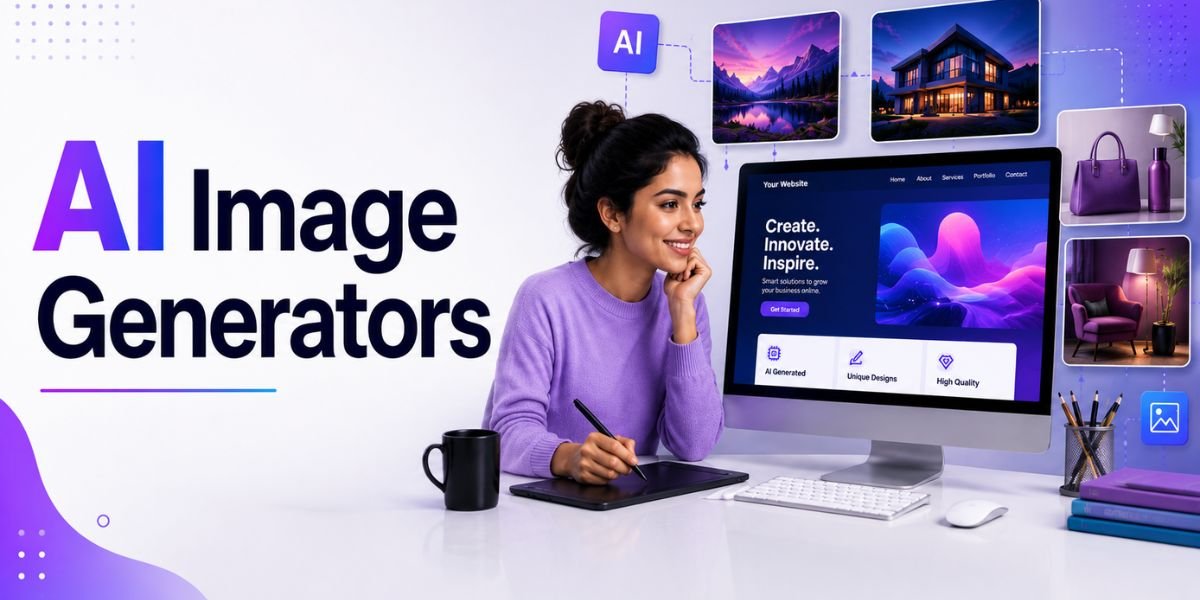
AI Image Generators have become an important part of modern website design. Website owners no longer need to depend entirely on stock photography, expensive photo shoots, or lengthy manual design processes to create attractive visual content. With an AI image generator, you can describe an idea in natural language and create images for homepage hero sections, blog posts, landing pages, product pages, advertisements, and other website content.
In 2026, AI Image Generators can do much more than create simple artwork. Many platforms can generate realistic photographs, illustrations, product scenes, marketing graphics, concept images, backgrounds, and designs with text. Some tools also allow users to edit existing images, change backgrounds, expand images, maintain visual consistency, and create multiple variations from one concept.
For website owners, the biggest advantage of AI Image Generators is flexibility. You can create a visual that matches your exact brand colours, page layout, audience, and marketing message. However, choosing the right tool matters because different platforms are designed for different purposes. Some are excellent for artistic visuals, while others are better for text-heavy graphics, professional marketing assets, image editing, or consistent brand content.
This guide covers 10 of the best AI Image Generators for website design in 2026, including their main strengths, best use cases, advantages, limitations, and tips for getting better results.
What Are AI Image Generators?
AI Image Generators are software tools that use artificial intelligence to create images from written prompts, reference images, or a combination of both. Instead of manually drawing or editing every element, you describe what you want and the AI creates a visual based on your instructions.
How AI Image Generators Work
Most AI Image Generators use text-to-image technology. You provide a prompt describing the subject, environment, composition, lighting, style, colours, and other requirements.
For example, instead of searching for a generic technology photograph, you could enter:
“Create a professional website hero image showing a woman using an AI website builder on a laptop, modern office environment, purple and blue lighting, realistic photography, clean background, wide composition with empty space on the left for website text.”
The AI then interprets the prompt and generates one or more images.
Modern tools can also support image-to-image workflows. You can upload an existing image and ask the AI to change its style, background, lighting, composition, or other elements. ChatGPT Images, for example, supports both new image creation and editing of existing images, including targeted edits and different aspect ratios.
Why AI Image Generators Are Useful for Websites
Website design often requires many different visual assets. A single website may need a homepage hero image, service illustrations, blog graphics, product images, social media images, advertisements, and background visuals.
AI Image Generators can reduce the time required to create these assets and make it easier to maintain a consistent visual direction.
They are especially useful for:
- Website hero images
- Blog feature images
- Landing page graphics
- Product concepts
- Ecommerce visuals
- Social media graphics
- Marketing banners
- Illustrations
- Background images
- Infographics
- Brand concepts
- Promotional campaigns
Why Use AI Image Generators for Website Design?
AI Image Generators provide several advantages for website owners, designers, bloggers, and marketers. They can speed up creative work while giving users more control over the appearance and composition of website visuals.
Create Custom Website Images
One of the biggest advantages of AI Image Generators is the ability to create custom images. Instead of choosing a stock photograph that is close to what you need, you can describe exactly what you want.
This is particularly helpful for niche websites. If you need a specific scene that is difficult to find in a stock library, AI can create a visual around your requirements.
Save Time
Traditional image creation can involve searching for assets, editing photos, removing backgrounds, changing colours, resizing graphics, and creating multiple versions.
AI can speed up many of these steps. You can generate several concepts quickly and then select the best option for your website.
Create Consistent Visuals
Brand consistency is important for professional website design. AI Image Generators can help you maintain a similar colour palette, lighting style, composition, and visual tone across different images.
You can also use reference images or detailed prompts to keep your visual direction more consistent.
Create Images Without Advanced Design Skills
AI makes visual creation more accessible. You do not need to be an experienced illustrator or photographer to create a concept.
A clear prompt can be enough to get started. You can then refine the result using the AI tool or a traditional design editor.
10 Best AI Image Generators for Website Design
There are many image-generation platforms available, but they do not all solve the same problem. The best choice depends on whether you need realistic photography, artistic visuals, website graphics, brand assets, text-heavy images, or fast editing.
1. Design.com
Design.com’s AI image generator is the only tool on this list that turns a generated image into a finished, branded marketing asset without switching platforms. Describe your subject, setting, mood, lighting, and composition in plain language, and the AI returns polished, commercial-ready visuals within seconds. Every output is copyright-safe by design — something no other tool on this list can say by default.
Best for Design.com
Design.com is particularly useful for:
- Blog feature images
- Website banners and hero graphics
- Social media graphics
- Email marketing visuals
- Business card and letterhead design
- Flyers and promotional materials
- Branded marketing content
- Product visuals
What makes Design.com different from every other option here is its direct integration with a full branded design suite. Once an image is generated, it plugs straight into 651,000+ templates with your logo, brand colors, and typography already applied. There is no need to move the image into a separate design tool to produce a finished asset.
For website owners, small businesses, and entrepreneurs who need custom visuals that are immediately ready for use across digital and print channels, Design.com covers the full workflow from image generation to finished branded content in one place. The free tier requires no account and includes AI editing at no cost.
2. ChatGPT Images
ChatGPT Images is one of the most flexible options for website owners because image generation and editing can be handled through natural-language instructions. OpenAI’s current ChatGPT Images experience supports image creation, editing, text in images, transparent backgrounds, multiple aspect ratios, and targeted revisions.
Best for ChatGPT Images
ChatGPT Images is particularly useful for:
- Blog feature images
- Website hero graphics
- Marketing concepts
- Product visuals
- Social media graphics
- Image editing
- Custom website illustrations
- Text-based visual concepts
The main advantage is conversational editing. You can create an image and then request changes such as moving an object to the right, changing the background, adding a person, removing an element, or adjusting the colours.
OpenAI’s current image-generation guidance recommends clear, descriptive prompts focused on the purpose, subject, setting, visual style, framing, and relevant constraints.
For website owners who frequently need custom visuals, this makes ChatGPT Images a practical all-purpose option.
3. Midjourney
Midjourney is one of the most recognised AI Image Generators for artistic and visually rich image creation. It is particularly strong when you want a distinctive visual style, cinematic composition, detailed environments, or creative imagery.
Midjourney’s current web interface allows users to enter prompts through an Imagine bar, upload images as part of prompts, adjust settings, organise creations, and explore other generated visuals for inspiration.
Best for Midjourney
Midjourney works well for:
- Website hero images
- Editorial visuals
- Creative campaigns
- Concept art
- Luxury website imagery
- Travel visuals
- Fashion websites
- Technology concepts
- Mood boards
The platform is particularly useful when the visual itself needs to create a strong emotional impression.
For example, a travel website could create cinematic landscape imagery, while a fashion website could create editorial-style campaign concepts.
The main limitation is that Midjourney is more focused on visual creation than complete website design. You may need another design tool to add precise website typography, buttons, layouts, or other interface elements.
4. Adobe Firefly
Adobe Firefly is another major option among AI Image Generators, particularly for users who already work with Adobe’s creative tools.
Firefly supports text-to-image generation and image-to-image workflows and can create a wide range of styles, from photorealistic visuals and product mockups to illustrations and abstract artwork. Adobe describes Firefly as a way to generate and refine creative concepts quickly using text prompts and visual controls.
Best for Adobe Firefly
Firefly is useful for:
- Website hero images
- Product mockups
- Marketing campaigns
- Creative concepts
- Image editing
- Background generation
- Professional design workflows
A major advantage is its connection with the wider Adobe ecosystem. Designers can use AI for initial concepts and continue refining the result in other Adobe applications.
For businesses that already use Photoshop, Illustrator, or Adobe Express, Firefly can fit naturally into an existing workflow.
5. Ideogram
Ideogram is particularly useful when website graphics require readable text. This makes it an interesting choice for banners, posters, advertisements, promotional graphics, and other designs where typography is part of the visual itself.
Ideogram has become known for its focus on text rendering and design-oriented image creation. Current 2026 comparisons continue to identify it as a strong choice for typography-heavy visuals.
Best for Ideogram
Ideogram can be useful for:
- Website banners
- Promotional graphics
- Posters
- Advertising concepts
- Typography-based designs
- Social media graphics
- Logo concepts
- Marketing visuals
For example, if you want to create a feature image containing the words “AI Website Design”, a tool with strong text rendering can reduce the amount of correction needed after generation.
However, important website text should still be reviewed carefully. If the wording must be perfectly accurate, adding the text separately in a design editor may provide greater control.
6. Leonardo AI
Leonardo AI is designed for creators who want more control over generated visuals. Its current image generator supports text-to-image generation, image-to-image workflows, style selection, editing, and other creative features. Leonardo also highlights consistency and control as key parts of its platform.
Best for Leonardo AI
Leonardo can be useful for:
- Website graphics
- Product concepts
- Marketing visuals
- Game-style artwork
- Character concepts
- Illustrations
- Creative campaigns
- Consistent visual assets
One useful feature is the ability to work from text or uploaded images. This can help when you already have a visual reference and want to create related versions.
Leonardo is a good option for users who want more control than a basic text-to-image generator provides.
7. Recraft
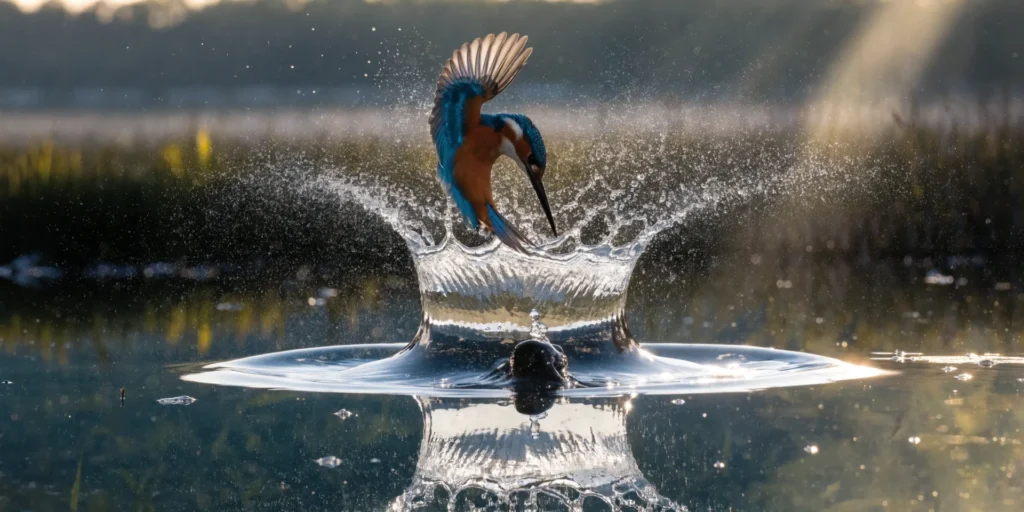
Recraft is an interesting choice for website designers who need brand graphics, illustrations, icons, and vector-style assets. It is designed around professional visual creation rather than only generating decorative images.
Best for Recraft
Recraft is particularly useful for:
- Icons
- Illustrations
- Brand assets
- Marketing graphics
- Vector-style designs
- Product visuals
- Website UI graphics
One reason AI Image Generators such as Recraft can be useful for website design is that websites often need more than photographs. Icons, illustrations, simple graphics, and branded visual elements can help create a distinctive interface.
If your website has a strong visual identity, tools that provide more control over design elements can be more useful than purely artistic image generators.
8. Canva AI
Canva is an excellent option for users who want to generate an image and then immediately turn it into a finished website graphic.
Canva combines AI generation with a broader visual design platform. This means you can create an image and then add text, shapes, logos, brand colours, buttons, icons, and other design elements in the same workflow.
Canva has expanded its AI capabilities in 2026, including conversational design workflows and AI-powered creative features.
Best for Canva AI
Canva is especially useful for:
- Blog feature images
- Website banners
- Social media graphics
- YouTube thumbnails
- Advertisements
- Infographics
- Marketing graphics
- Branded website visuals
For bloggers and small businesses, Canva can be a practical choice because you do not need to move between multiple applications.
9. Freepik AI
Freepik has expanded beyond its traditional stock-content roots with AI-powered image generation and other creative tools. It can be useful for users who want AI-generated visuals alongside a broader library of design resources.
Best for Freepik AI
Freepik can be useful for:
- Website images
- Marketing graphics
- Stock-style visuals
- Illustrations
- Social media content
- Advertising concepts
- Creative resources
The advantage of combining AI generation with a large visual asset library is flexibility. If an AI-generated image is not quite right, you can also explore existing resources or use additional editing tools.
For businesses that regularly create content, this type of workflow can reduce the need to manage many separate creative platforms.
10. Microsoft Designer
Microsoft Designer is an AI-assisted graphic design application that can generate images from written descriptions and provide tools for editing and refining visuals.
Microsoft says Designer can generate custom images from text and provide AI-powered editing capabilities such as removing or blurring backgrounds, enhancing images, and making other adjustments.
Best for Microsoft Designer
Microsoft Designer is useful for:
- Website graphics
- Social media posts
- Promotional images
- Invitations
- Digital marketing materials
- Image editing
- Quick visual concepts
It can be particularly convenient for users who already work with Microsoft products.
One important consideration is licensing and usage terms. Microsoft notes that its current Designer offering has specific terms for personal use, so businesses should review the applicable licensing conditions before relying on it for commercial website assets.
11. Google ImageFX
Google’s ImageFX is another option for AI-generated visual experimentation. It is designed around prompt-based image generation and is useful for exploring different creative concepts.
Best for Google ImageFX
ImageFX can be considered for:
- Creative concepts
- Website backgrounds
- Blog visuals
- Marketing ideas
- Illustrations
- Visual experimentation
The availability and features of AI image services can change quickly, so check Google’s current terms, supported regions, and usage conditions before using generated images commercially.
How to Choose the Best AI Image Generator for Website Design
Choosing between AI Image Generators should be based on your actual website requirements rather than simply choosing the tool with the most impressive examples.
Best AI Image Generator for Beginners
Beginners may prefer ChatGPT Images or Canva because both can provide straightforward workflows for generating and refining visuals.
If you want to create a blog image and then add your website logo, headline, and branding, Canva can be especially convenient.
Best for Artistic Website Images
Midjourney is a strong option when the main goal is creating visually impressive, atmospheric, or artistic images.
It can be particularly useful for travel, fashion, creative agencies, lifestyle websites, and editorial content.
Best for Professional Creative Workflows
Adobe Firefly is a strong choice for users who already work with Adobe’s creative ecosystem and need AI generation alongside traditional design tools.
Best for Text in Images
Ideogram is worth considering when typography is an important part of the image.
For example, website banners, posters, advertisements, and feature graphics often contain headlines or short messages.
Best for Creative Control
Leonardo AI can be useful when you want to experiment with different styles, models, references, and image-editing workflows.
How to Write Better Prompts for AI Image Generators
The quality of your prompt can have a major effect on the quality of the final image. A short prompt can work, but website design often requires more control over composition and empty space.
Include the Main Subject
Start by explaining what the image should show.
For example:
“A professional woman working on an AI website design project using a laptop.”
This gives the generator a clear subject.
Explain the Composition
For website graphics, composition is extremely important.
You can specify:
“Place the woman on the right side and leave clean negative space on the left for a website headline.”
This is particularly useful for homepage hero sections.
Specify the Visual Style
Tell the AI whether you want:
- Realistic photography
- Minimalist design
- 3D illustration
- Editorial photography
- Corporate style
- Futuristic technology
- Flat illustration
- Luxury style
Mention Colours
If your website has a specific brand palette, include it in the prompt.
For example:
“Use navy blue, purple, white, and subtle cyan accents.”
This can help the generated visual fit the existing website.
Specify the Aspect Ratio
Website images are used in different formats. A hero image may need a wide landscape composition, while a mobile graphic may need a vertical format.
Tell the AI the required aspect ratio or dimensions when the tool supports it.
How to Use AI Image Generators for SEO
Creating attractive images is only one part of using AI Image Generators for websites. The files should also be prepared properly for search engines, accessibility, and website performance.
Use Descriptive File Names
Instead of uploading:
image1234.jpg
use a descriptive filename such as:
ai-image-generators-website-design.jpg
The filename should accurately describe the image and should not contain unnecessary keyword repetition.
Add Useful Alt Text
Alt text should describe what the image actually shows.
For example:
“Woman creating a website design with an AI image generator”
is more useful than:
“AI Image Generators AI image generator website design best AI images.”
Alt text is primarily for accessibility and should be written for people rather than search engines.
Compress Your Images
AI-generated images can be very large. Uploading huge files can slow down your website.
Before publishing, resize and compress the image. Use an appropriate modern format when supported by your website and hosting setup.
Use Relevant Images
Do not add an AI-generated image simply because the page has empty space. The visual should support the surrounding content.
A relevant image can make an article easier to understand and improve the overall user experience.
Common Mistakes When Using AI Image Generators
AI makes visual creation easier, but there are several mistakes that website owners should avoid.
Publishing the First Image
The first generated image is not necessarily the best one. Create several variations and compare composition, lighting, colours, and overall quality.
Using Generic Visuals
If every page uses similar AI imagery, the website can start to look generic. Create a consistent visual identity and use original concepts where possible.
Ignoring AI Artifacts
Always inspect generated images closely. Look for distorted hands, strange objects, incorrect text, unrealistic screens, duplicated elements, or other visual errors.
Using AI Images That Misrepresent Reality
Do not use an AI-generated image to falsely represent a real product, customer, employee, office, location, or result.
If customers are making purchasing decisions based on the image, accuracy matters.
Forgetting Licensing and Usage Rights
Before using generated images commercially, review the tool’s current terms and usage rights. Different platforms have different rules, plans, and restrictions.
For example, Leonardo states that its images can be used commercially, while users should still review its current commercial usage guidance and terms.
AI Image Generators vs Stock Photos
Both AI-generated images and stock photography can be useful for website design. The right choice depends on the purpose of the visual.
When AI Images Are Better
AI is particularly useful when you need a specific concept that is difficult to find in a stock library.
It is also useful for futuristic technology scenes, abstract concepts, creative illustrations, custom compositions, and unusual visual requirements.
When Stock Photography Is Better
Stock photography may be better when authenticity is important.
For example, a company may prefer real photographs for its team page, office, physical location, customer stories, or actual products.
The strongest website may use both approaches. AI can provide creative visuals while real photography provides authenticity.
Final Checklist for AI Website Images
Before adding images generated with AI Image Generators to your website, review each asset carefully.
Visual Quality Checklist
Make sure:
- The image is sharp and clear.
- The composition fits the page.
- Colours match your brand.
- There are no obvious AI errors.
- The subject looks appropriate.
- The image works on mobile devices.
- Important elements are not cropped.
SEO Checklist
Check that:
- The filename is descriptive.
- Alt text accurately describes the image.
- The image is compressed.
- The image is relevant to the page.
- The file format is appropriate.
- The image does not unnecessarily slow down the page.
Brand Checklist
Finally, make sure the visual fits your brand identity.
Ask whether the image uses the right colours, style, tone, composition, and level of detail. If it feels disconnected from the rest of the website, create another version or edit it before publishing.
Must Read:
- AI Website Images: How to Create Professional Visuals With AI
- AI Design Tools: 10 Best Tools for Creating Websites and Graphics
- AI Website Design: How to Create a Professional Website in 2026
Final Thoughts:
AI Image Generators have become powerful tools for modern website design. They can help businesses, bloggers, marketers, designers, and creators produce custom visuals for homepage sections, blog posts, landing pages, product pages, advertisements, and social media campaigns.
The best tool depends on your specific needs. ChatGPT Images is useful for conversational generation and editing, Midjourney is strong for artistic and visually rich concepts, Adobe Firefly fits professional Adobe workflows, Ideogram is useful for typography-heavy graphics, and Leonardo AI provides creative control and consistency. Canva is convenient for generating and designing complete graphics, while Microsoft Designer can simplify AI-assisted visual creation.
However, the quality of your final website does not depend only on the AI image generator you choose. Your prompt, visual strategy, brand identity, editing decisions, image optimisation, and quality checks all matter.
Use AI Image Generators to create visuals that support your content rather than simply decorate your pages. Give the AI clear instructions, specify composition and colours, leave appropriate space for website text, check every generated image for errors, and optimise files before publishing.
When AI-generated visuals are combined with strong web design principles, SEO, accessibility, and human creativity, they can help create websites that look professional, distinctive, and useful to visitors.