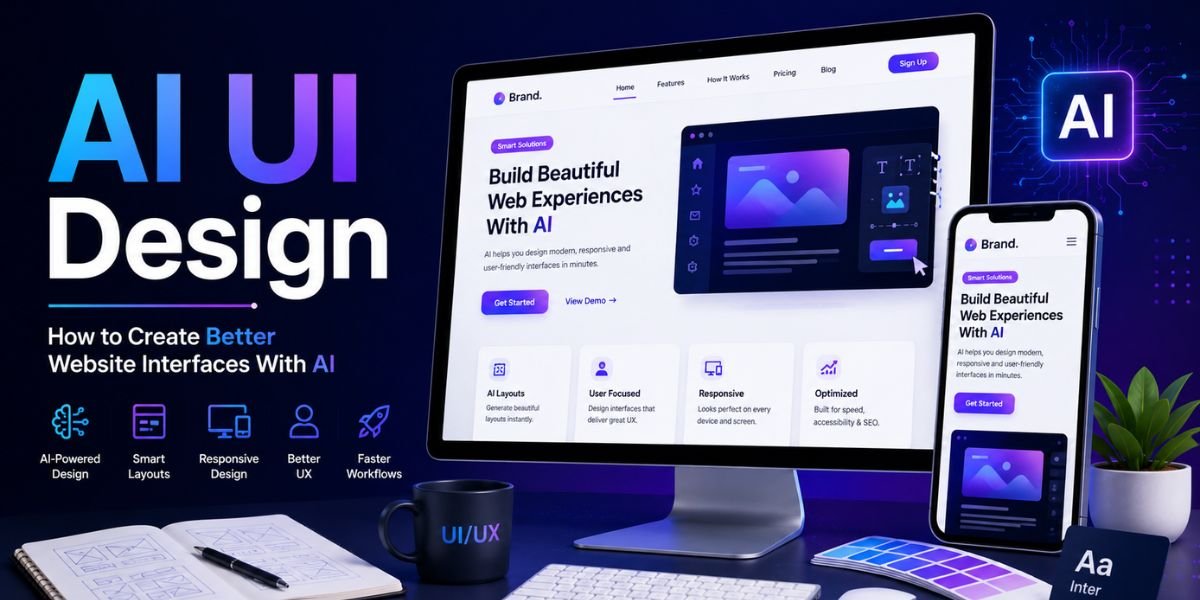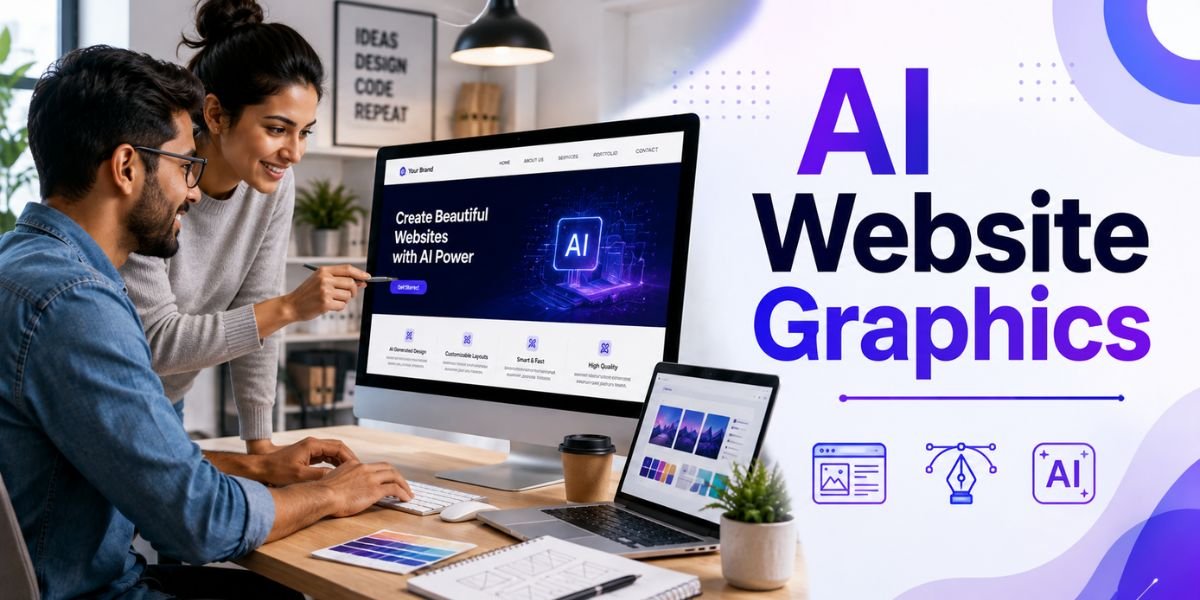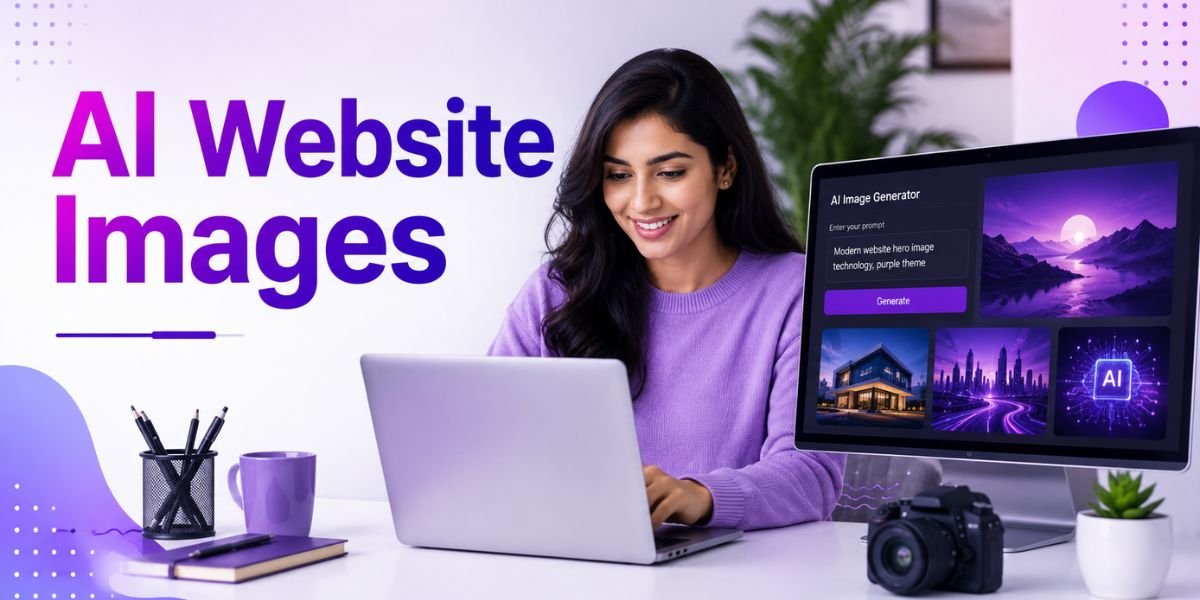
AI Website Images have changed the way businesses, bloggers, marketers, designers, and website owners create visual content. Instead of spending hours searching through stock photo libraries or hiring a designer for every image, businesses can now use artificial intelligence to create customised visuals based on a simple text description. AI can generate website hero images, product concepts, blog graphics, illustrations, backgrounds, banners, icons, and other visual assets.
Professional AI Website Images can make a website more attractive and help visitors understand a product, service, or idea faster. However, creating a good image is about more than entering a short prompt into an AI image generator. The image should match the brand, page purpose, target audience, colour palette, content, and overall website design.
In 2026, AI image generation has become a practical part of modern website design. The best results come from combining AI with a clear visual strategy. You can use AI to generate creative ideas and initial visuals, then refine them, optimise them, and make sure they work properly on desktop and mobile devices.
This guide explains how to create professional AI Website Images, how to write better prompts, where to use AI-generated visuals, how to optimise images for SEO and performance, and which mistakes you should avoid.
What Are AI Website Images?
AI Website Images are visual assets created or enhanced using artificial intelligence for use on websites and digital platforms. They can be generated from text prompts, modified from existing images, or created using a combination of AI and traditional design tools.
Types of AI Website Images
There are many different types of visuals that can be created with AI. The right format depends on where the image will appear and what it needs to communicate.
Common examples include:
- Homepage hero images
- Blog feature images
- Product visuals
- Service illustrations
- Website backgrounds
- Landing page graphics
- Infographics
- Social media graphics
- Icons and decorative elements
- Digital advertisements
- Brand illustrations
- Concept images
- Technology visuals
- Ecommerce product scenes
For example, a website about artificial intelligence might use a futuristic technology image as its homepage hero visual. A travel website could use AI-generated destination concepts, while a software company could create illustrations showing how its platform works.
How AI Generates Website Images
Most AI image generators use text prompts to understand what you want to create. You describe the subject, visual style, composition, lighting, colours, mood, and other details.
For example, instead of writing:
“Create a website image.”
You could write:
“Create a modern professional website hero image showing a business owner working on an AI-powered website builder, laptop on a clean desk, blue and purple lighting, minimal technology background, realistic photography style, wide composition, plenty of empty space on the left for website text.”
The second prompt provides much more information. Better instructions usually give you greater control over the final visual.
Why Use AI Website Images?
Using AI Website Images can provide several benefits for businesses and website owners. AI does not simply make image creation faster. It also gives users more creative control over the type of visuals they want to produce.
Create Custom Visuals
Stock photography can be useful, but popular stock images are often used across many websites. AI allows you to create visuals that are designed specifically for your website.
You can describe your desired colour palette, composition, subject, mood, and style. This can help create a visual identity that feels more connected to your brand.
Save Time and Resources
Creating professional graphics manually can take considerable time. Searching for the right stock photo, editing it, resizing it, adding text, and preparing different versions can become repetitive.
AI can speed up the initial creation process. You can generate several concepts and choose the one that fits your page best.
Generate Different Visual Styles
AI can create realistic photography, 3D illustrations, digital art, flat illustrations, editorial graphics, futuristic scenes, minimal compositions, and many other styles.
This flexibility makes AI Website Images useful for websites in different industries. You can create a corporate visual style for a financial business or a colourful and playful style for a children’s brand.
Support Brand Consistency
When you use a consistent prompt structure, colour palette, composition, and visual style, AI-generated images can become part of a broader brand system.
For example, a technology website might consistently use dark backgrounds, blue and purple accents, clean interfaces, modern devices, and soft lighting across its website images.
How to Create Professional AI Website Images
Creating professional AI Website Images starts with planning. The AI tool is only one part of the process. You need to understand the purpose of the image before generating it.
Step 1: Define the Purpose of the Image
Before writing a prompt, decide what the image needs to accomplish.
A hero image may need to attract attention and support a headline. A product image may need to show the product clearly. A blog image may need to communicate the article’s subject immediately.
Think about the visitor’s experience. Ask yourself whether the image helps explain the page or simply fills an empty space.
A strong visual should support the content rather than distract visitors from it.
Step 2: Choose the Right Image Size
Image dimensions are important when creating AI Website Images. A homepage hero image may require a wide landscape format, while a blog thumbnail may use a different aspect ratio.
Common website image formats include:
- 1200 × 628 pixels for blog and social-style graphics
- 1920 × 1080 pixels for wide hero visuals
- 1200 × 1200 pixels for square graphics
- 1080 × 1350 pixels for vertical social content
- 1080 × 1920 pixels for full-screen mobile content
The correct size depends on your website layout. Avoid creating extremely large images when a smaller version will provide the same visual quality.
Step 3: Choose a Visual Style
The style of your AI Website Images should match your website’s overall identity.
You might choose:
- Photorealistic
- Minimalist
- Corporate
- Editorial
- 3D
- Flat illustration
- Isometric
- Futuristic
- Hand-drawn
- Luxury
- Modern technology
- Natural photography
If your website already has a strong design language, use similar visual characteristics in your AI prompts.
For example, a minimalist website may benefit from clean backgrounds, soft shadows, limited colours, and simple compositions instead of highly detailed futuristic artwork.
Step 4: Describe the Composition
Composition is one of the most important parts of professional AI Website Images.
Tell the AI where the main subject should appear and where you need empty space.
For example:
“Place the laptop on the right side of the image and leave clean negative space on the left for a website headline and call-to-action button.”
This is particularly useful for hero images. Without composition instructions, an AI generator may place important subjects in the centre, leaving little space for website text.
Step 5: Specify Lighting and Colours
Lighting and colour can significantly affect the appearance of AI-generated visuals.
You can request:
- Soft studio lighting
- Natural daylight
- Warm lighting
- Cool blue lighting
- Neon technology lighting
- High-key lighting
- Cinematic lighting
- Soft shadows
For brand consistency, include your preferred colours in the prompt. For example, you could request a white background with navy blue, purple, and cyan accents.
How to Write Better AI Prompts for Website Images
A good prompt is one of the most useful tools for creating professional AI Website Images. Instead of using short descriptions, provide enough information for the AI to understand the visual goal.
Use a Simple Prompt Formula
A useful prompt structure is:
Subject + purpose + composition + style + lighting + colours + background + aspect ratio
For example:
“Professional website hero image showing an entrepreneur using an AI website builder on a laptop, laptop positioned on the right side, clean negative space on the left for text, modern technology style, realistic photography, blue and purple lighting, dark professional background, wide landscape composition.”
This structure provides clear instructions without making the prompt unnecessarily complicated.
Add Negative Instructions When Supported
Some AI image tools allow users to specify things they do not want in the image.
For example:
“Avoid clutter, excessive text, distorted hands, unrealistic screens, watermarks, logos, and busy backgrounds.”
Negative instructions can help reduce unwanted elements, although results vary between AI image generators.
Generate Multiple Concepts
Do not always use the first image. Generate several variations and compare them.
One version may have better composition, another may have better lighting, and another may fit your brand colours more effectively.
The goal is not simply to generate an image. The goal is to select a visual that works for the website.
Best Places to Use AI Website Images
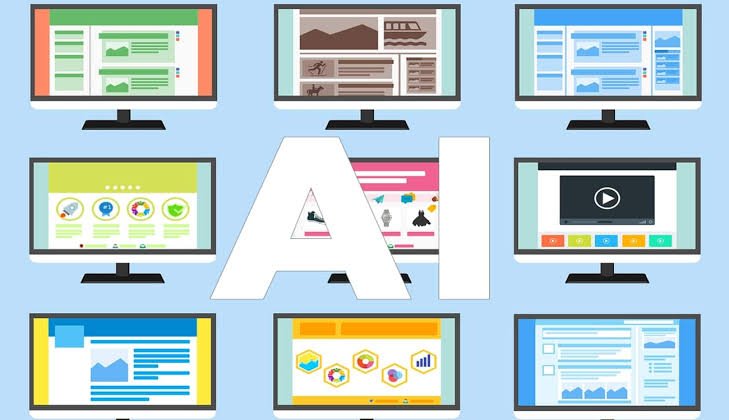
Different areas of a website require different types of visuals. AI Website Images can be used throughout a website when they provide genuine value.
Homepage Hero Sections
Hero sections are one of the strongest places to use AI-generated visuals. A well-designed hero image can immediately communicate the subject of the website.
For example, an AI website builder company could use a realistic image of a person creating a website with AI tools.
Leave enough negative space for the headline, supporting text, and call-to-action button.
Blog Feature Images
Blog feature images can make articles more attractive and easier to identify. They can also improve the presentation of content when articles are shared on social media.
For SEO-focused blogs, create a consistent feature-image style across your articles. Use similar dimensions, typography, colours, and branding.
Product Pages
Ecommerce websites can use AI-generated visuals for product concepts, lifestyle scenes, backgrounds, and promotional graphics.
However, AI-generated product images should not misrepresent the actual product. If customers are purchasing a physical item, accurate product photography is often more important than an attractive but unrealistic AI scene.
Landing Pages
Landing pages can benefit from customised visuals that support a specific marketing message.
For example, a software landing page could use an AI-generated illustration showing a dashboard, automation workflow, or business team using the product.
AI Website Images and SEO
SEO should be part of your AI Website Images workflow. Search engines need useful information about images, while visitors benefit from fast-loading and accessible visuals.
Use Descriptive File Names
Do not upload images with meaningless names such as:
IMG_8472.jpg
Instead, use descriptive names related to the image, such as:
ai-website-design-hero-image.jpg
The filename should accurately describe the image without unnecessary keyword repetition.
Write Useful Alt Text
Alt text helps describe an image when it cannot be viewed and supports accessibility.
For example:
“Designer creating an AI-powered website on a laptop”
is more useful than:
“AI Website Images AI Website Design AI image”
Write alt text for people first. It should describe the actual image rather than become a list of keywords.
Optimise Image Size
Large image files can slow down websites. Compress your AI Website Images before uploading them.
Use an appropriate file format and avoid uploading a 10 MB image when a much smaller file can provide similar quality.
Modern formats such as WebP and AVIF can often reduce image file sizes while maintaining good visual quality, depending on the image and browser support.
Keep Images Relevant
SEO is not just about adding images. The image should be relevant to the surrounding content.
If your article discusses AI website builders, an image showing an AI-powered website interface is more useful than a completely unrelated decorative graphic.
Best AI Tools for Website Images
There are many AI image generators available, and each has different strengths. The best choice depends on the visual style, editing requirements, budget, and workflow you prefer.
Adobe Firefly
Adobe Firefly is useful for AI-generated images, creative concepts, image editing, and commercial design workflows. It can be particularly useful for businesses already using Adobe’s creative ecosystem.
Midjourney
Midjourney is popular for creating highly visual and artistic concepts. It can be useful for website hero imagery, creative campaigns, mood boards, and distinctive visual concepts.
Canva
Canva combines AI image generation with a broader design editor. This makes it useful when you want to generate an image and then immediately add text, branding, shapes, or other design elements.
Ideogram
Ideogram is particularly useful for visual designs where typography and text-based elements are important. It can be useful for promotional graphics, posters, and website visuals.
The right tool is less important than the quality of the brief and prompt you provide. A strong visual strategy can produce better results across different platforms.
How to Make AI Website Images Look More Professional
Professional AI Website Images should feel intentional rather than random. A few design principles can significantly improve the final result.
Maintain Visual Consistency
Use a consistent colour palette, lighting style, image treatment, and composition across your website.
If every page uses a completely different visual style, your website may look inconsistent.
Use Negative Space
Negative space is particularly important for website graphics. It gives text and buttons room to breathe.
When creating hero images, specifically tell the AI where the empty space should appear.
Avoid Excessive Detail
Highly detailed AI images can look impressive but may become distracting when placed behind website text.
Choose the level of detail based on the purpose of the image. Simple compositions often work better for websites.
Match the Brand
Your website images should reflect your brand personality. A professional consulting company may need polished and realistic visuals, while a creative design studio can use more experimental imagery.
Common AI Website Images Mistakes
AI makes image creation easier, but there are still several mistakes that website owners should avoid.
Using Generic AI Images
If the image does not add anything meaningful to the page, it may not be worth using. Choose visuals that support your message.
Ignoring Image Quality
AI-generated images can sometimes contain distorted objects, strange hands, unrealistic text, inconsistent faces, or other visual errors.
Always inspect the image carefully before publishing it.
Adding Too Much Text to AI Images
AI-generated text inside images can still be inconsistent depending on the tool. If you need important website messaging, it is usually better to add the text using your website or design editor.
Using AI Images to Mislead Visitors
Do not use AI-generated visuals that falsely represent your product, customers, office, team, or results.
Website imagery should support trust rather than create unrealistic expectations.
Uploading Huge Files
High-resolution AI images can be very large. Uploading them without optimisation can negatively affect page speed.
AI Website Images vs Stock Photos
Both AI Website Images and stock photography have advantages. AI images provide more control over composition, style, colours, and subject matter. Stock photos can provide realistic images of actual people, products, locations, and situations.
When AI Images Are Better
AI-generated visuals can be useful when you need a very specific concept that is difficult to find in stock libraries.
They are also useful for abstract concepts, futuristic technology, creative illustrations, conceptual graphics, and customised hero sections.
When Stock Photos Are Better
Stock photography may be preferable when authenticity is important. Real photographs can be more appropriate for customer testimonials, team pages, physical locations, restaurants, hotels, products, and real-world experiences.
The best website can combine both approaches rather than relying entirely on one type of image.
Final Checklist for Professional AI Website Images
Before publishing AI Website Images, review each visual carefully. A simple checklist can help you maintain quality across your website.
Visual Quality Checklist
Check that:
- The image is sharp and clear.
- The subject looks realistic where required.
- There are no obvious AI-generated errors.
- Colours match your brand.
- The composition works with surrounding text.
- The image has the correct dimensions.
- Important subjects are not hidden or cropped.
SEO and Performance Checklist
Also check that:
- The filename is descriptive.
- Alt text accurately describes the image.
- The file is compressed.
- The format is appropriate.
- The image is relevant to the page.
- The image does not unnecessarily slow down the website.
- Mobile users can view the image correctly.
Brand Checklist
Finally, ask whether the image actually fits your brand.
Does it use the right colours? Does the style match your other visuals? Does it communicate the right emotion? Does it support the page’s purpose?
If the answer is no, generate another version or edit the image before publishing.
Must Read:
- AI Design Tools: 10 Best Tools for Creating Websites and Graphics
- AI Website Design: How to Create a Professional Website in 2026
- Best AI Website Builder for Small Business
Final Thoughts:
AI Website Images have made professional visual creation faster, more flexible, and more accessible. Website owners can now create customised hero images, blog graphics, illustrations, product scenes, promotional visuals, and other assets without relying entirely on stock photography or manual design.
The best results come from treating AI as a creative assistant rather than a replacement for design judgement. Start with a clear purpose, define the visual style, write detailed prompts, choose the right dimensions, and generate several concepts before selecting the final image.
For AI Website Images to work effectively, remember that visual quality is only one part of the process. Images should also be relevant, accessible, properly named, compressed, mobile-friendly, and aligned with your website’s SEO strategy.
AI can create the visual, but your decisions determine whether that visual actually improves the website. By combining AI-generated creativity with good design principles, original branding, thoughtful editing, and image optimisation, you can create professional website visuals that look attractive while supporting a better user experience.