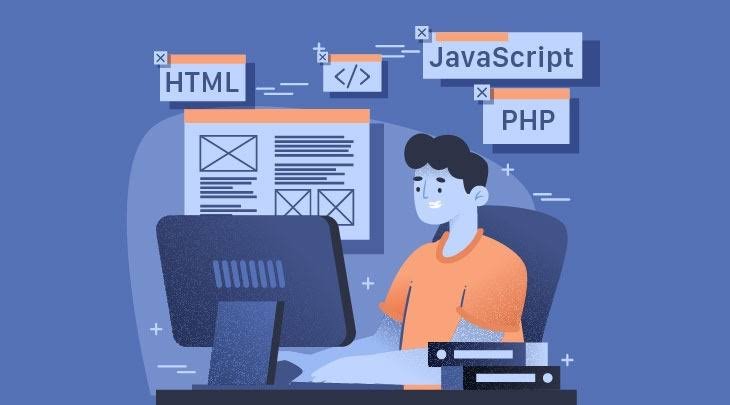
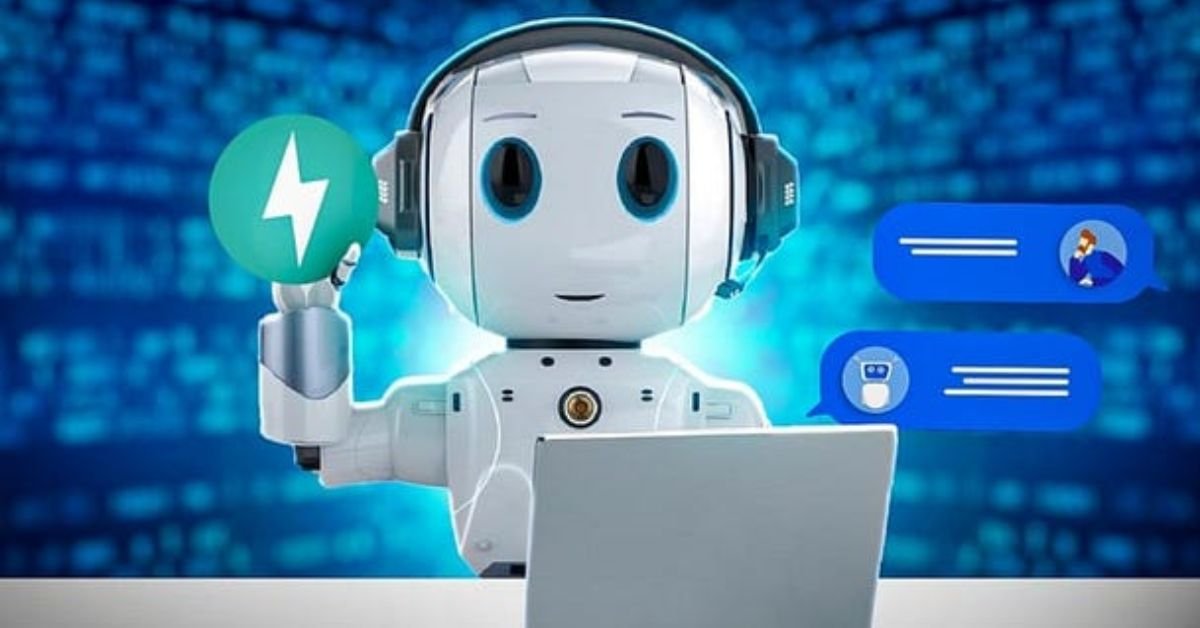
An effective business website is no longer optional for companies that want to build an online presence, attract customers, generate leads, and compete in digital markets. In 2026, artificial intelligence is making the process of creating a business website faster and easier than ever.
You can use AI to plan your website structure, generate a design, write content, create images, optimize pages for search engines, improve user experience, and even add automation features. Many AI website builders allow business owners to create a professional website without knowing how to code.
If you want to create an AI-powered business website, the process starts with understanding your business goals and target customers. AI can then help turn those requirements into a website that is useful, responsive, search-friendly, and focused on conversions.
This guide explains how to create an AI-powered business website from scratch, what pages you need, how to use AI for design and content, how to optimize the website for SEO, and what mistakes you should avoid.

What Is an AI-Powered Business Website?
An AI-powered business website is a website that uses artificial intelligence during its creation, management, or customer experience.
AI can be involved in different parts of the website, including:
- Website design
- Content creation
- Image generation
- SEO optimization
- Customer support
- Lead generation
- Personalization
- Data analysis
- Website development
- Marketing automation
An AI-powered website does not necessarily mean that every part of the website is automated.
For example, a business could use an AI website builder to create the website while a human team manages the content and customer communication.
The goal is to use AI where it can save time, improve efficiency, or provide a better experience.
Why Businesses Should Use AI for Website Creation
Traditional website development can require designers, developers, copywriters, and SEO specialists.
AI can simplify many of these tasks.
Faster Website Development
AI website builders can generate an initial website based on a short description.
For example, you can tell an AI:
“Create a professional website for a digital marketing agency that provides SEO, PPC advertising, social media marketing, and content marketing to small businesses.”
The AI can use this information to create a starting structure.
You can then customize the website with your own branding and business information.
Lower Technical Requirements
You do not necessarily need to know HTML, CSS, or JavaScript to create a basic business website using an AI website builder.
Visual editing and natural-language instructions can make website creation easier for beginners.
Faster Content Creation
AI can help create first drafts for:
- Homepage copy
- Service descriptions
- Product descriptions
- About page
- FAQs
- Blog articles
- Meta descriptions
- Calls to action
Human review is still important to make the content accurate, specific, and aligned with your brand.
Step 1: Define Your Business Website Goal

Before using an AI website builder, decide what the website needs to achieve.
Your primary goal could be:
- Generate leads
- Sell products
- Receive bookings
- Promote services
- Build brand awareness
- Collect email subscribers
- Provide customer support
- Generate phone calls
- Showcase a portfolio
A website with a clear goal is easier to design and optimize.
For example, a local service business may want visitors to call or submit a quote request.
An ecommerce company may want visitors to purchase products.
A software company may want users to start a free trial.
Your goal should influence the website structure, content, design, and calls to action.
Step 2: Identify Your Target Audience
AI can create better website content when it understands who the website is targeting.
Define:
- Customer age group
- Location
- Industry
- Problems
- Needs
- Buying behavior
- Budget
- Common questions
- Reasons for choosing your business
For example, a website targeting small business owners should use different messaging from a website targeting enterprise technology companies.
You can give this information to an AI tool and ask it to create a customer-focused website structure.
Step 3: Choose an AI Website Builder
There are many AI website builders available, and each platform has different strengths.
When choosing a tool, consider:
- AI website generation
- Visual editing
- Custom domain support
- Hosting
- SEO controls
- Mobile responsiveness
- Forms
- Analytics
- Ecommerce
- Integrations
- Content management
- Pricing
- Scalability
For a simple business website, you may not need advanced development features.
For a growing business, choose a platform that gives you enough control to add pages, content, integrations, and marketing tools later.
Step 4: Create a Detailed AI Prompt
The quality of the AI-generated website can depend heavily on the information you provide.
Instead of writing:
“Create a business website.”
Use a detailed prompt.
For example:
“Create a professional business website for a digital marketing agency serving small and medium-sized businesses. The agency provides SEO, PPC advertising, social media management, content marketing, and web development. The main goal is to generate consultation leads. Create a modern responsive design with a strong hero section, service pages, client testimonials, case studies, FAQs, contact form, and multiple clear calls to action.”
A detailed prompt gives the AI more context about your business.
Step 5: Build the Website Structure
A professional business website normally needs several core pages.
Homepage
The homepage should quickly explain:
- What the business does
- Who it serves
- Main benefits
- Why customers should choose it
- What action visitors should take
About Page
Explain the company’s background, values, experience, team, and approach.
Avoid generic statements.
Use real information that helps customers understand the business.
Services or Products
Create dedicated sections or pages for your main services or products.
Each page should explain:
- What you offer
- Who it is for
- Benefits
- Features
- Process
- Pricing, if appropriate
- FAQs
- CTA
Contact Page
Make it easy for visitors to contact you.
You can include:
- Contact form
- Phone number
- Email address
- Business address
- Working hours
- Map
- Social media links
FAQ Page
FAQs can answer common questions and reduce uncertainty.
They can also help visitors understand your products and services before contacting you.
Step 6: Use AI to Design Your Business Website

AI can suggest:
- Color palettes
- Typography
- Page layouts
- Images
- Section structures
- Button styles
- Navigation
- Visual hierarchy
However, do not let AI create a design that looks impressive but makes the website difficult to use.
A business website should prioritize:
- Readability
- Navigation
- Clear CTAs
- Consistent branding
- Mobile usability
- Fast loading
- Accessibility
Keep the design aligned with your business identity.
Step 7: Create Business Content With AI
AI can help speed up content creation, but your business should provide the information.
For example, give AI:
- Service details
- Product specifications
- Customer problems
- Business advantages
- Pricing
- Company history
- Target audience
- FAQs
Then ask AI to turn that information into website copy.
Create a Strong Homepage Headline
Your headline should clearly communicate your value.
Instead of:
“Welcome to Our Company”
Use something more specific, such as:
“Grow Your Business With Results-Focused Digital Marketing”
The second example tells visitors more about the business and its purpose.
Focus on Benefits
Do not only list features.
Explain how your product or service helps customers.
For example:
Feature: Automated reporting.
Benefit: Save time by receiving campaign performance reports without manually collecting data.
Benefits help visitors understand why the offer matters.
Step 8: Add Strong Calls to Action
A business website should make it obvious what visitors can do next.
Examples include:
- Get a Free Quote
- Book a Consultation
- Start a Free Trial
- Request a Demo
- Call Now
- Shop Now
- Contact Us
- Get Started
The CTA should match your business goal.
A consultation-based business could use:
“Book a Free Consultation.”
An ecommerce website could use:
“Shop Now.”
Avoid using vague CTAs that do not communicate the next step.
Step 9: Add Trust Signals
Visitors may hesitate to contact or purchase from an unfamiliar company.
Trust signals can help reduce uncertainty.
Consider adding:
- Customer testimonials
- Client logos
- Reviews
- Certifications
- Awards
- Case studies
- Business statistics
- Guarantees where appropriate
- Industry memberships
Only use genuine information.
Do not create fake testimonials, fake reviews, or unsupported claims with AI.
Step 10: Make the Website SEO-Friendly
SEO can help potential customers find your business through search engines.
AI can assist with many SEO tasks.
Keyword Research
Identify keywords related to your products and services.
For example, a digital marketing agency might target terms such as:
- digital marketing agency
- SEO services
- PPC management
- social media marketing
- local SEO services
- content marketing services
Use keywords naturally instead of repeating them excessively.
Optimize Page Titles
Every important page should have a clear title.
For example:
SEO Services for Small Businesses | Your Business Name
Write Meta Descriptions
Create concise descriptions that explain what users can expect from the page.
Use Proper Headings
Organize content using clear H2 and H3 headings.
This makes longer pages easier to understand.
Create Search-Friendly URLs
Use simple URLs such as:
example.com/seo-services
rather than complicated URLs with unnecessary parameters.
Step 11: Optimize Your Business Website for Mobile
Your website should work well on smartphones and tablets.
Check:
- Font size
- Buttons
- Navigation
- Images
- Forms
- Spacing
- Page sections
Make sure visitors can complete important actions without zooming or horizontal scrolling.
AI website builders often create responsive layouts automatically, but you should still test the final website manually.
Step 12: Improve Website Speed

A slow website can create a poor user experience.
AI can help identify potential performance problems involving:
- Large images
- JavaScript
- CSS
- Plugins
- Fonts
- Third-party scripts
- Unnecessary animations
You can also ask AI to analyze performance data and prioritize the most important improvements.
Start with high-impact issues instead of trying to optimize every small element.
Step 13: Add AI-Powered Customer Support
An AI-powered business website can go beyond AI-assisted design.
You can add an AI chatbot or virtual assistant to help answer common customer questions.
Depending on your business, the assistant could help with:
- Product questions
- Service information
- Business hours
- Pricing information
- Appointment questions
- Order information
- Frequently asked questions
The AI assistant should provide accurate information and have clear limits.
For important customer requests, provide an option to contact a human team member.
Step 14: Use AI for Lead Generation
AI can support lead-generation workflows.
For example, a website can use forms to collect:
- Name
- Phone number
- Business name
- Service interest
- Message
AI can help classify or summarize incoming leads so your team can prioritize follow-up.
For example, a lead could be categorized as:
- High priority
- Medium priority
- General inquiry
Make sure your lead-handling process follows applicable privacy and data protection requirements.
Step 15: Add Analytics and Tracking
You cannot improve a website effectively if you do not know how visitors use it.
Set up appropriate analytics and tracking tools to understand:
- Traffic sources
- Popular pages
- Conversion rates
- Form submissions
- User behavior
- Search traffic
- Campaign performance
AI can help interpret analytics data and identify trends.
For example, you can ask:
“Analyze this month’s website traffic and identify which pages are generating the most engagement and conversions.”
Use data as a guide, not as the only basis for business decisions.
Step 16: Test Your AI-Powered Website
Before launching, test every important part of the website.
Check:
- Navigation
- Forms
- Buttons
- Contact information
- Mobile layout
- Desktop layout
- Images
- Links
- Checkout
- Search functionality
- Page speed
- SEO settings
Test the website from the perspective of a first-time visitor.
Ask yourself:
Can a visitor understand what this business does within a few seconds?
Can they easily find the information they need?
Can they quickly contact or buy from the business?
These questions can reveal usability problems that technical testing may miss.
Common Mistakes When Creating an AI Business Website
AI makes website creation easier, but it does not guarantee a successful result.
Using Generic Content
AI can produce generic business copy if you provide limited information.
Give the tool specific details about your company, customers, products, and services.
Overdesigning the Website
Animations, videos, sliders, and visual effects can make a website look impressive but may also distract visitors or affect performance.
Keep the design focused on the user.
Using Fake AI-Generated Testimonials
Never use fictional testimonials as if they came from real customers.
Use genuine reviews and customer feedback.
Ignoring SEO
A beautiful website without search-friendly content may struggle to attract organic traffic.
Optimize your website structure and content from the beginning.
Not Updating the Website
A website should not remain unchanged for years.
Update:
- Services
- Products
- Pricing
- Blog content
- Contact information
- Images
- FAQs
AI can help identify outdated content and suggest updates.
AI-Powered Business Website vs Traditional Website
An AI-powered website does not necessarily replace traditional website development.
The biggest difference is the amount of automation involved.
AI can help automate:
- Design
- Content drafting
- Image creation
- Code generation
- SEO suggestions
- Customer support
- Data analysis
Traditional development may provide more direct control over custom functionality and architecture.
For many small and medium-sized businesses, combining AI tools with human expertise can provide a practical balance between speed and quality.
How Much Does It Cost to Create an AI-Powered Business Website?
The cost varies significantly depending on your requirements.
A simple website may require:
- Domain
- Website builder or hosting subscription
- Basic design
- Content
- Business email
- Analytics
A more advanced website may require:
- Ecommerce functionality
- Custom development
- AI chatbot
- CRM integration
- Marketing automation
- Advanced analytics
- Custom design
AI can reduce some development and content costs, but it does not make every website free.
Your budget should be based on the business value the website is expected to generate.
Best AI Prompts for Business Website Creation
Here are some useful prompts you can use with an AI website builder.
Business Website Prompt
“Create a professional responsive website for a [business type] targeting [audience]. The main goal is [goal]. Include a homepage, about section, services, testimonials, FAQs, contact form, and strong CTA.”
SEO Prompt
“Create an SEO-friendly website structure for a [business type]. Suggest primary keywords, service pages, blog categories, page titles, meta descriptions, and internal linking opportunities.”
Conversion Prompt
“Review this business website and suggest improvements to the headline, value proposition, CTA placement, trust signals, navigation, and lead-generation flow.”
Content Prompt
“Create clear and persuasive website copy for a [business type]. Focus on customer problems, benefits, trust, and specific services. Avoid generic marketing language and unsupported claims.”
Must Read:
- Best AI Tools for Website Design and Development
- How to Make Your Website Faster With AI?
- AI Website Builder vs WordPress: Which Is Better in 2026?
Final Thoughts:
Learning how to create an AI-powered business website can make website development faster, simpler, and more accessible.
AI can help you plan the website, generate a design, create content, produce images, optimize SEO, analyze performance, and support customer interactions. However, the best business websites are not created by AI alone.
Start with a clear business goal and a detailed understanding of your target customers. Choose an AI website builder that provides the features and flexibility your business needs. Then customize the generated website with real business information, original content, genuine customer feedback, strong branding, and clear calls to action.
Pay attention to SEO, mobile usability, website speed, accessibility, security, and analytics before launching.
Most importantly, treat AI as a tool that helps you work faster rather than a replacement for business strategy. The technology can generate the foundation, but your experience, customer knowledge, brand identity, and decisions are what turn that foundation into a useful business website.
With the right workflow, an AI-powered business website can help you establish an online presence, attract potential customers, generate leads, and create a better digital experience without requiring advanced coding skills.